

ICONS INFOCOM PVT. LTD.
ICONS Infocom Pvt. Ltd. is an experienced and trusted IT distributor and reseller headquartered in Mumbai with a strong Pan-India presence. The company is certified with ISO 9001:2015, ISO 27001:2022, and ISO/IEC 20000-1:2018, demonstrating our commitment to quality management, information security, and internationally recognized IT service management standards.


Feature Products
-
-
-
-
-
-

-
-
-
-
-
-
-
-
Overview 19.2
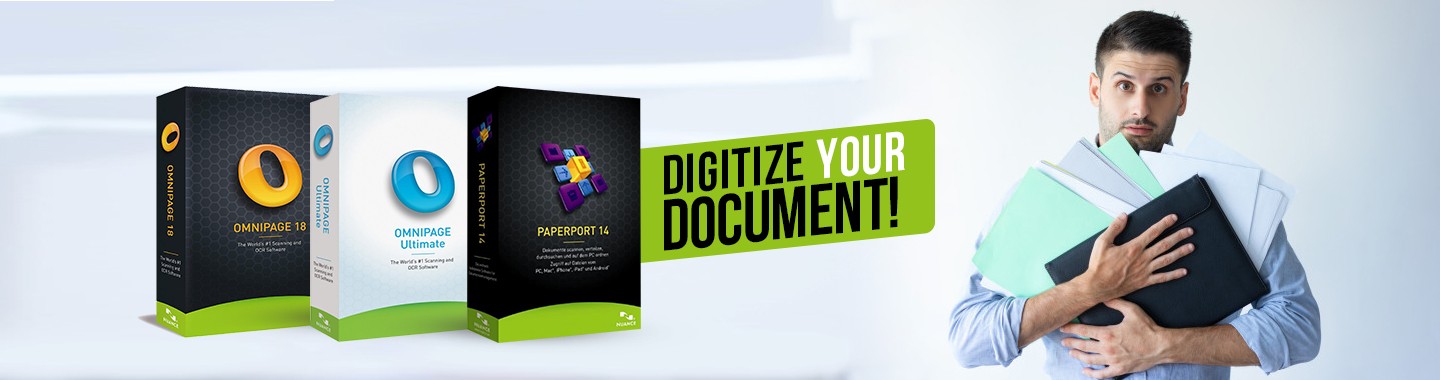
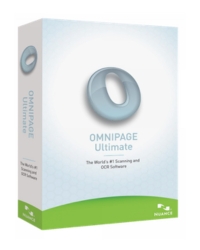
 OmniPage Ultimate is the Nuance flagship document conversion and scanning application for business professionals, small businesses and workgroups that process, distribute and store paper or PDF documents.
The Speed, Quality and Features to Save Valuable Time, Reduce Costs, Increase Productivity, and Get the Most out of Your Scanning Devices.The continued use of paper slows organizations down and frequently leads to “knowledge re-creation.” Not only does this waste time—as you are forced to re-create information from existing paper or search for misplaced documents—but it is also a drain on overall productivity and profitability. Additionally, small businesses and individuals underutilize millions of scanning devices that could save valuable time and effort. Finally, PDF documents—the digital version of paper—are prolific and can be difficult to edit or repurpose. The question remains: “How can you get the document into the format you want without having to do extensive re-typing or re-editing?” The answer is Kofax OmniPage Ultimate. Convert paper, PDF files and forms into documents you can automatically send to others, edit on your PC or archive in a document repository. Amazing accuracy, support for virtually any scanner, the best tools to customize your process, and automatic document routing make it the perfect choice to maximize productivity.
Kofax OmniPage ® DocuDirect™
Kofax OmniPage DocuDirect is the perfect low-cost solution for occasional document scanning, conversion and document routing for small businesses or workgroups that share a scanning device. OmniPage DocuDirect can be installed on a network server and can automatically send converted files to a predefined destination, multiple destinations, or on-demand to anyone, anywhere.
Features
- Take advantage of superior word accuracy to recreate documents quickly
- Maintain formatting so converted documents look just like the original
- Trust fast and easy on-demand conversion using OmniPage Launchpad
- Convert and route documents through your network from MFPs, all-in-one devices, scanners, email or shared folders.
System Requirement
System Requirement
- Windows 11, 10, 8 , 7 (32-bit or 64-bit Edition)
- Windows Server 2008 R2, Windows Server 2012
- A computer with a 1 GHz Intel® Pentium® or higher, or equivalent processor
- 4 GB of memory (RAM), 8 GB recommended
- Microsoft Internet Explorer 8 or above
- 2.7 GB total hard drive space for all components: 300 MB for application com¬ponents plus 100 MB during installation, 200 MB for PDF Create, 700 MB for PaperPort
- DVD drive for installation unless utilizing digital download
- WIA, TWAIN or ISIS scanner driver
- 1024 x 768 pixel color monitor
- 2-megapixel digital camera with auto-focus or higher for digital camera text capture
- Web access needed for online activation, registration and live update
System Requirement
- Microsoft SharePoint Portal Server 2007, 2010 and 2013
- Open Text eDOCS 5.3
- iManage WorkSite 8.2, 8.5 and 9.0
- ODMA Link supporting a broad range of document management systems. Check with the vendor of your specific service to see if they work with ODMA.
Note
Performance and speed will be enhanced if your computer's processor, memory, and available disk space exceed minimum requirements. This is especially true when converting very large color PDF files.
Features & Advantages
Advantages :
Maximize PDF searchMaintain perfect formatting
The eDiscovery Assistant for searchable PDF is a revolution in safely converting a single PDF or batches of PDFs of all types into completely searchable documents. Now you don’t have to open PDF files individually, or use an OCR process that may unintentionally wipe out valuable information.
Improve accuracy
OmniPage Ultimate now delivers an average increase of 25% in OCR accuracy of digital camera images. It also provides document layout improvements so you can faithfully reproduce your documents in a variety of output formats.
Leverage Kofax OmniPage Launchpad
Document conversion just got faster, easier, and more convenient. With OmniPage Launchpad, you can take advantage of the fastest way to convert any kind of document and send to any destination
Features :
Superior OCR accuracy
Improved OCR engines deliver amazing accuracy for document conversion and archiving business-critical documents.
Maintain perfect formatting
Converted documents look exactly like the original and are easier to edit than ever before, complete with columns, tables, bullets and graphics.
Mobile document capture
Capture text with a digital camera or iPhone®. Quickly convert your pictures to text documents with highly accurate Kofax 3D correction technology.
Works with any scanner
If your device can scan, then it can work with OmniPage Ultimate. Mobile scanners, desktop scanners, all-in-one and multi-function printers all work more productively and with better accuracy using OmniPage Ultimate.
Supports all your favorite applications
Widest range of output format support, including PDF, HTML, Corel® WordPerfect®, Microsoft® Word, Excel, PowerPoint, ePub, plus many more.
Batch processing, amazing value
Schedule large volumes of files for batch processing from folders or email with unattended automation for real time processing of documents.
Complete forms processing
Convert paper forms to fillable and distribute electronically. OmniPage Ultimate can collect data from PDF or paper forms and export to a spreadsheet or database.
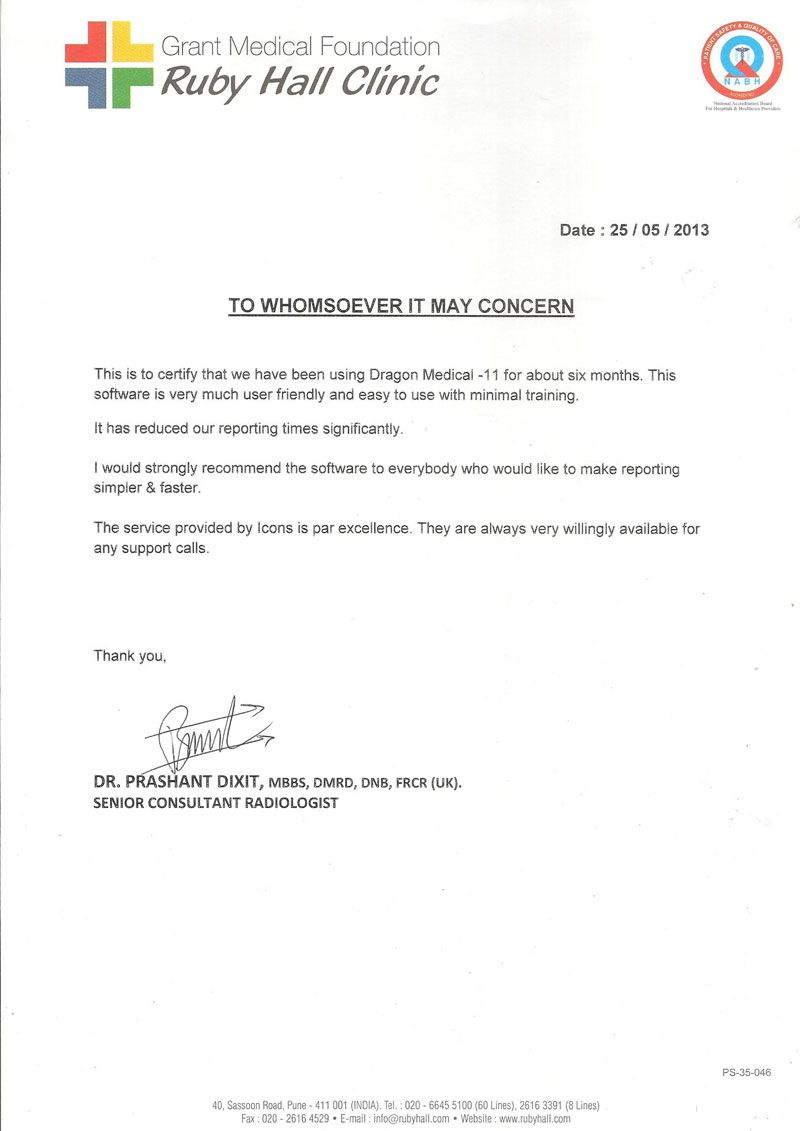
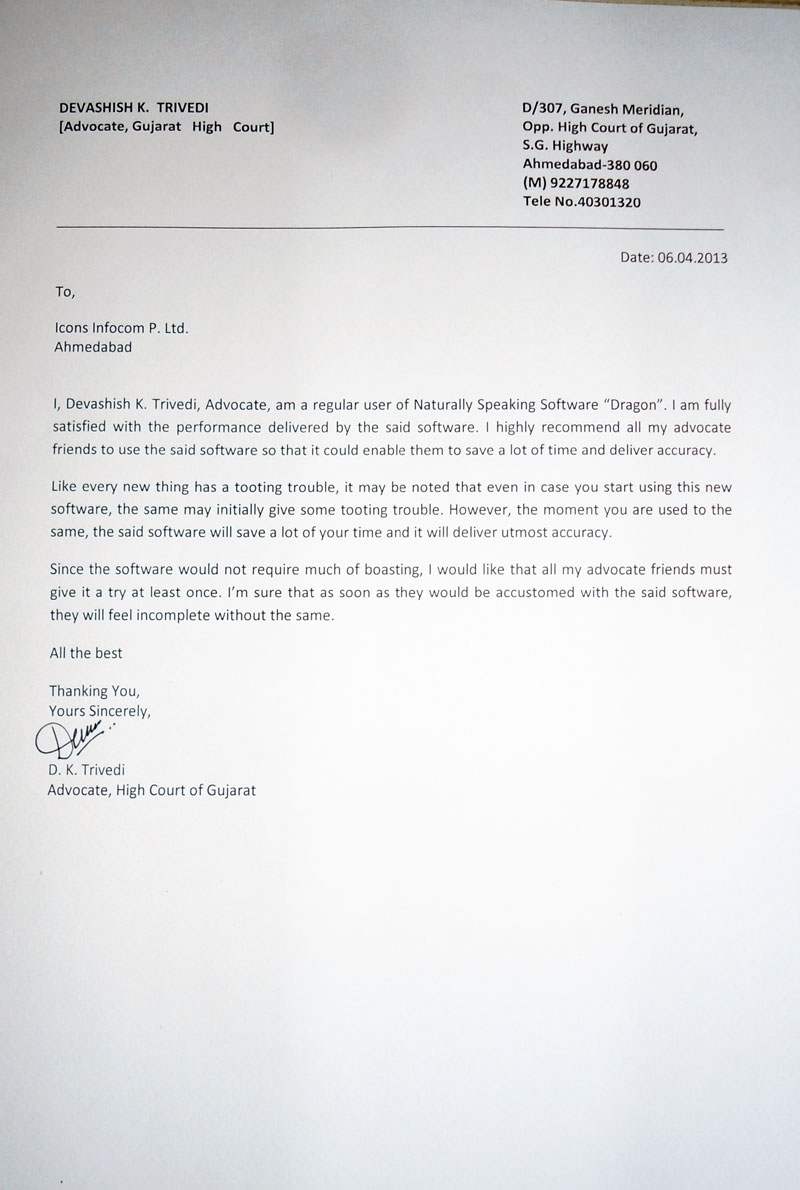
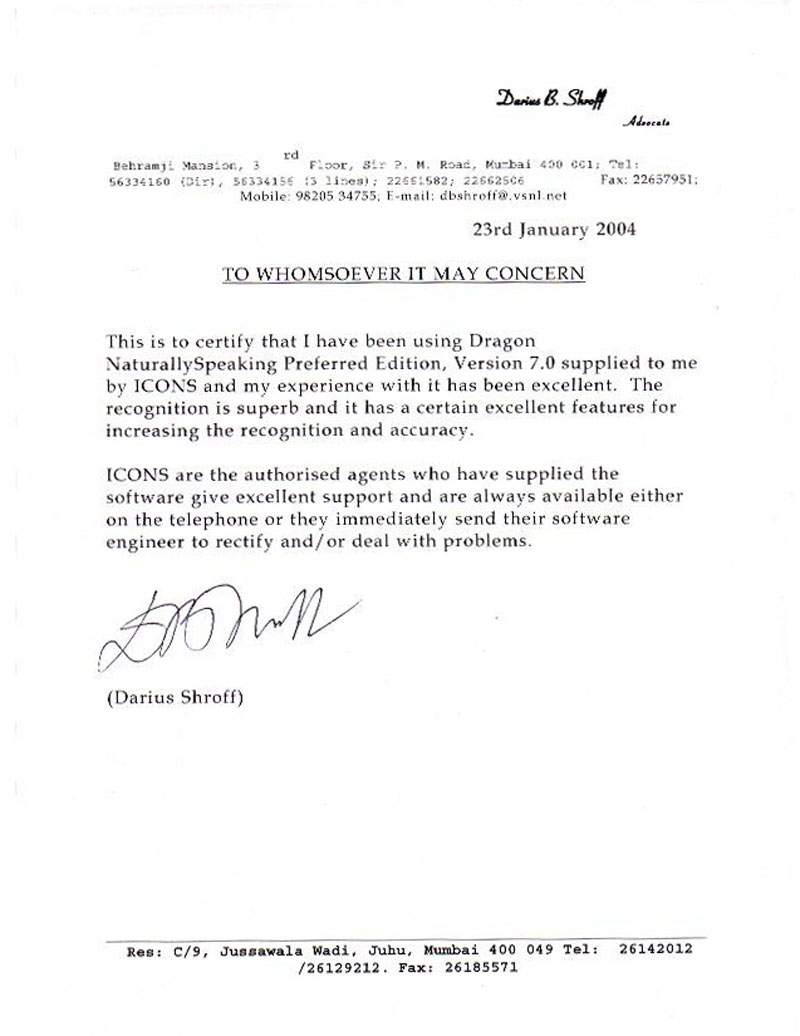
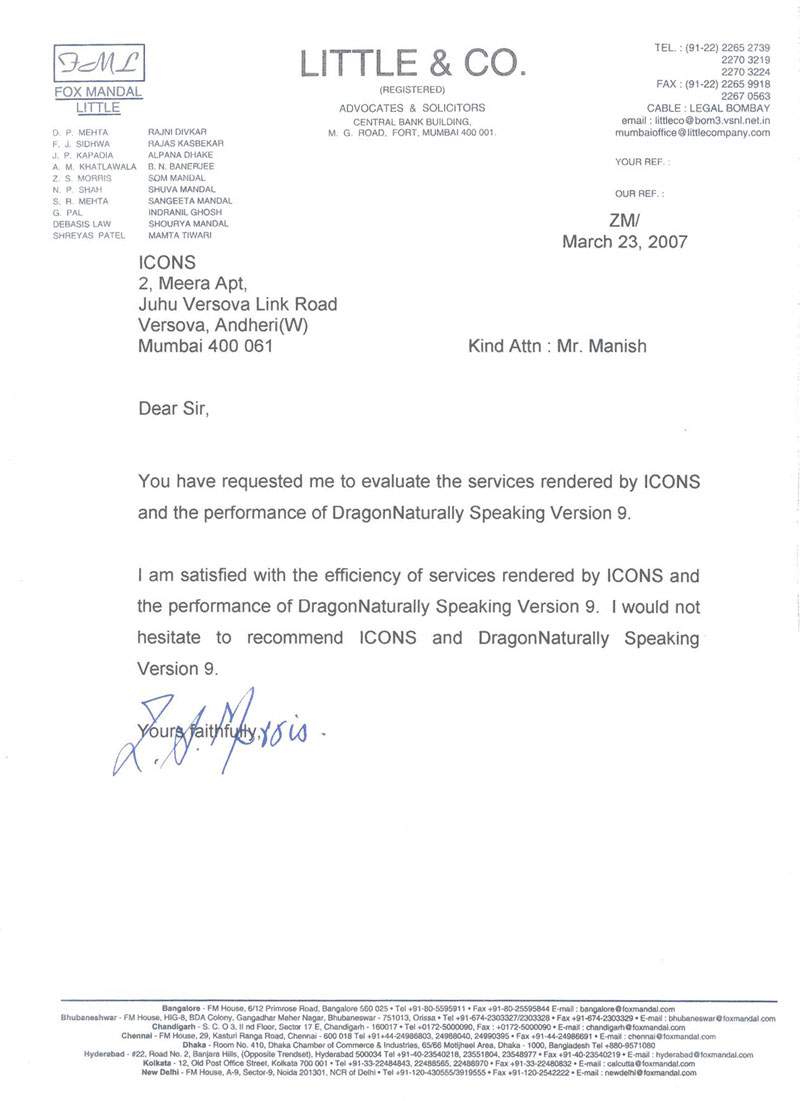
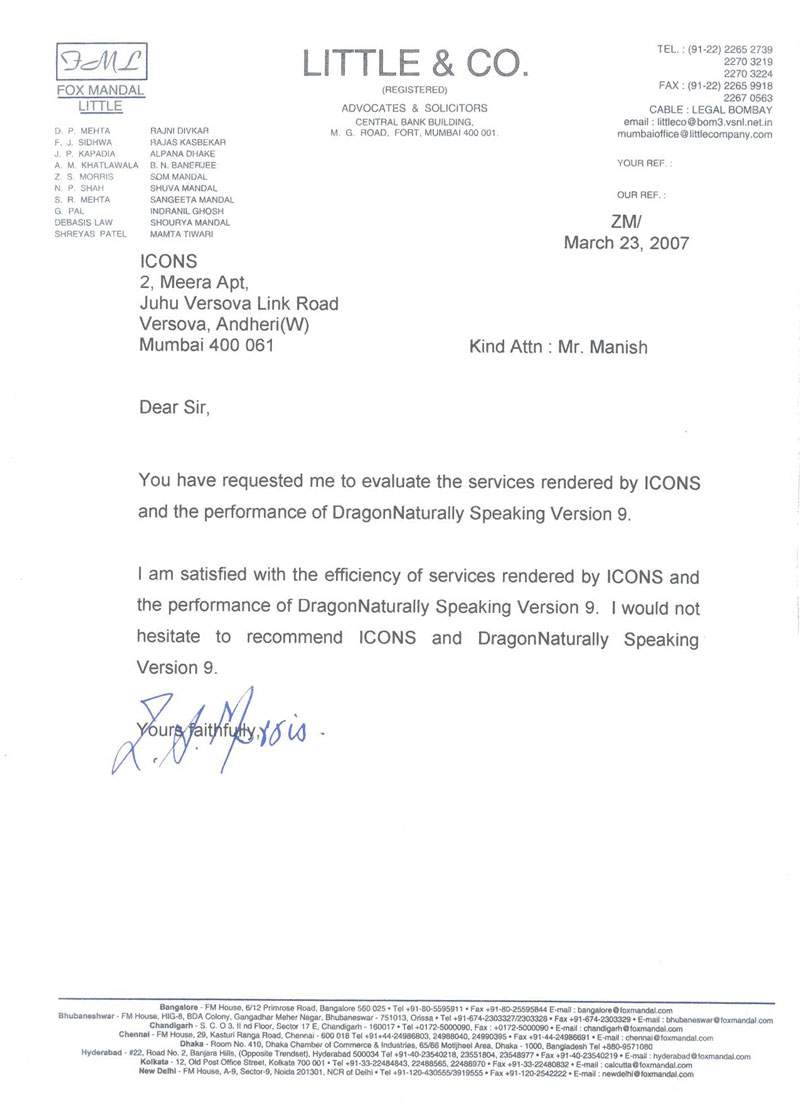
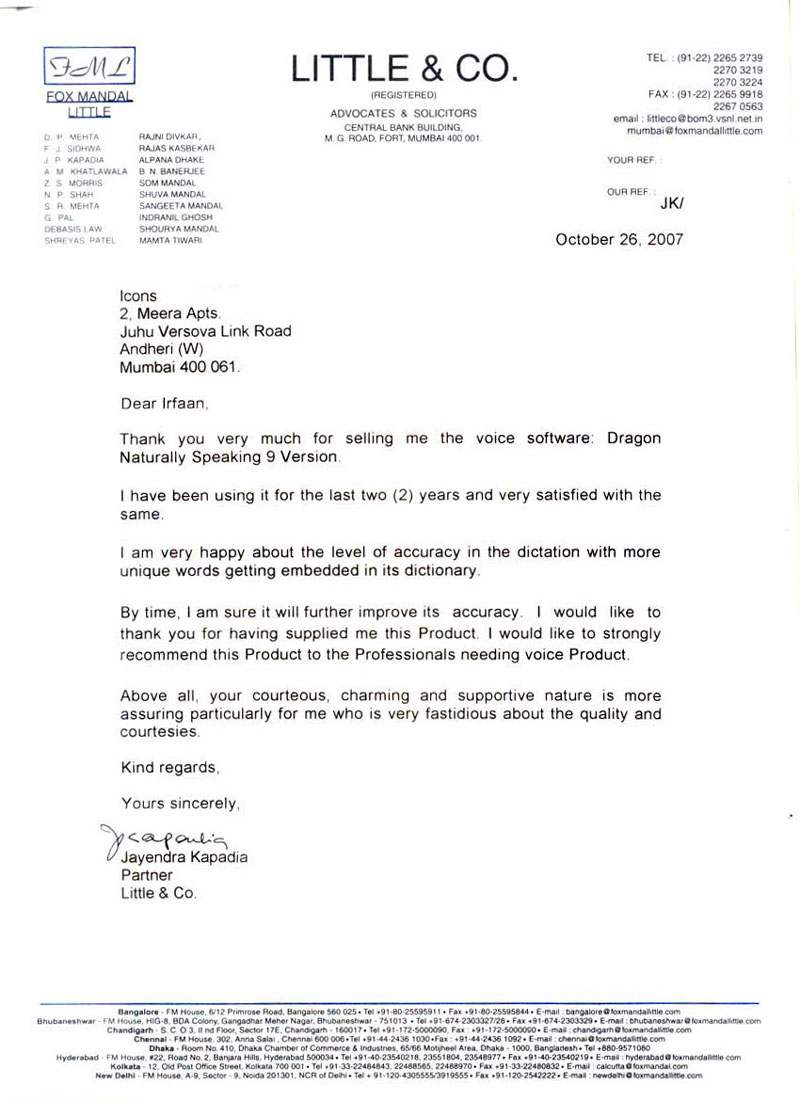
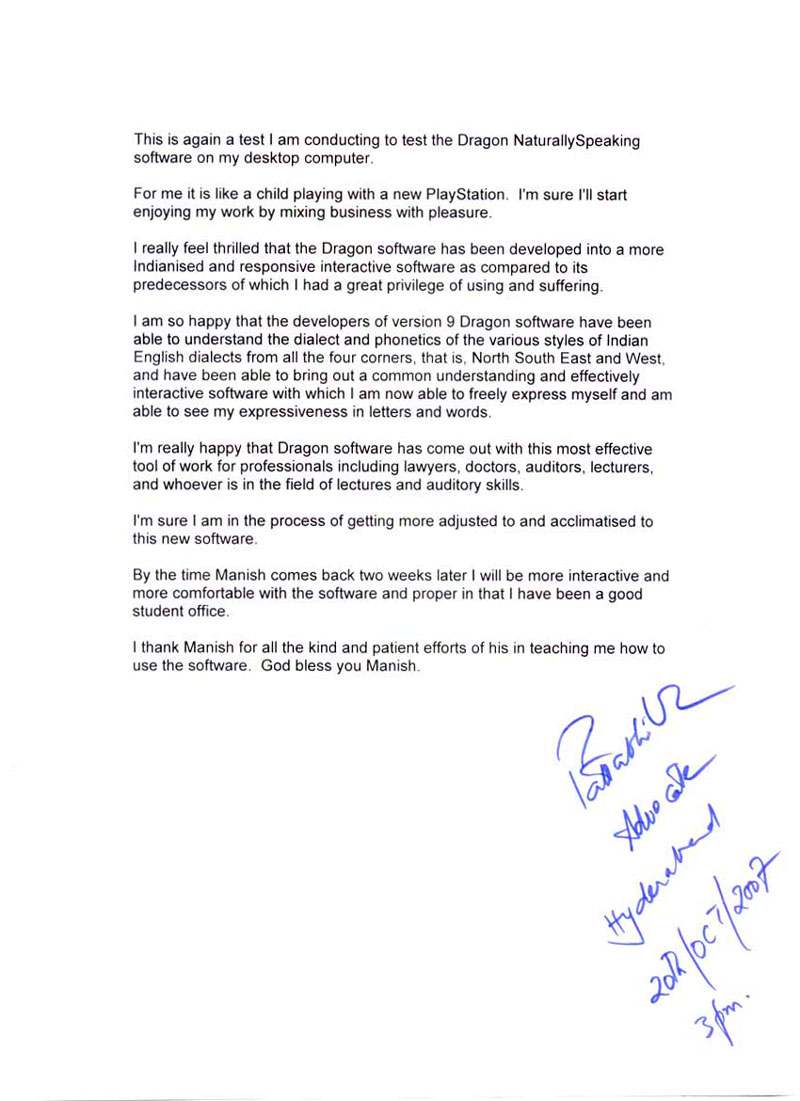
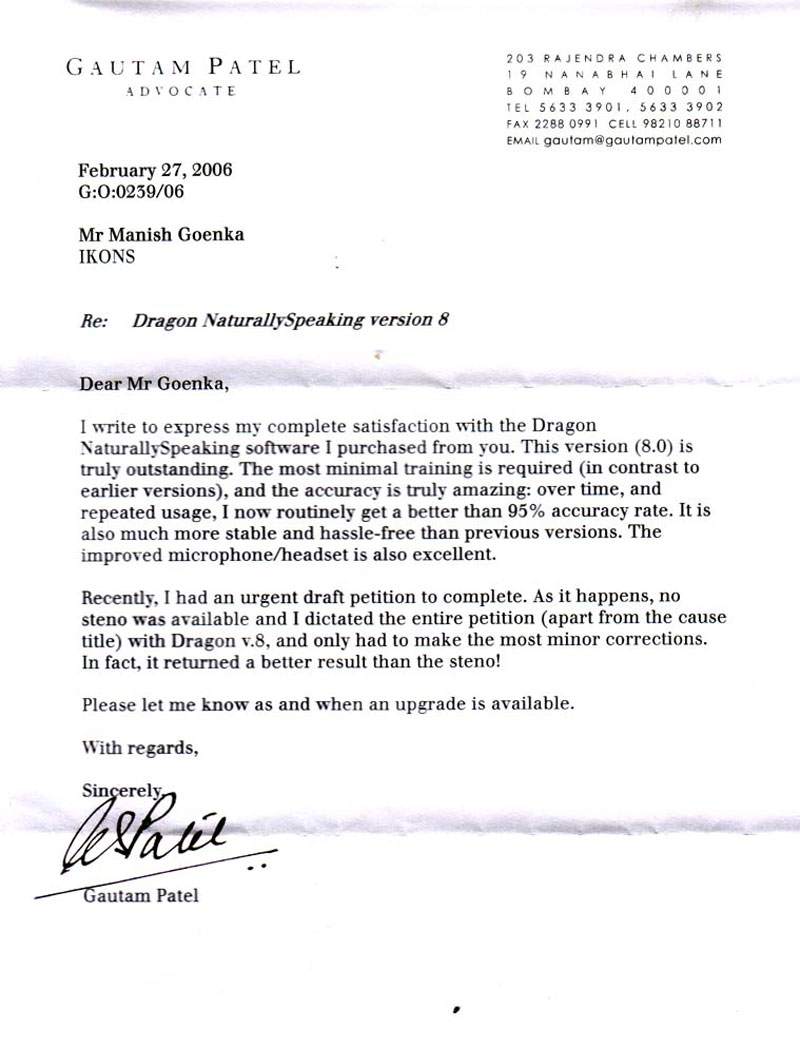
Our Existing Users












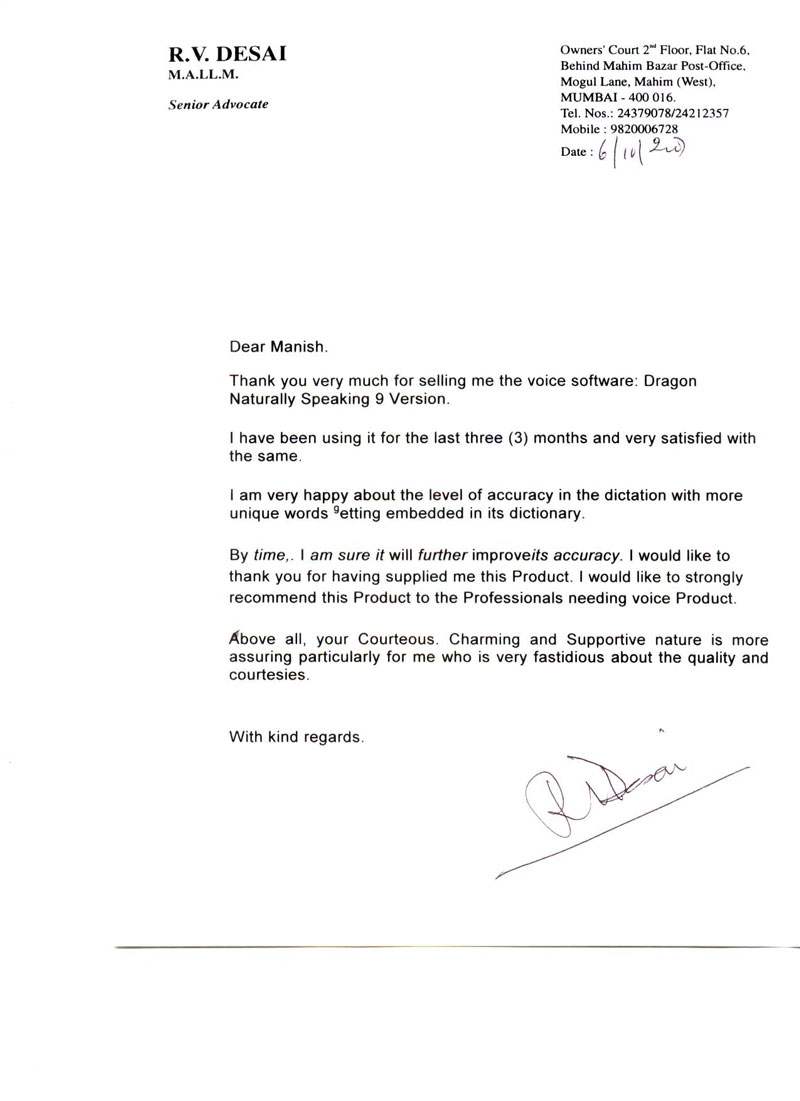
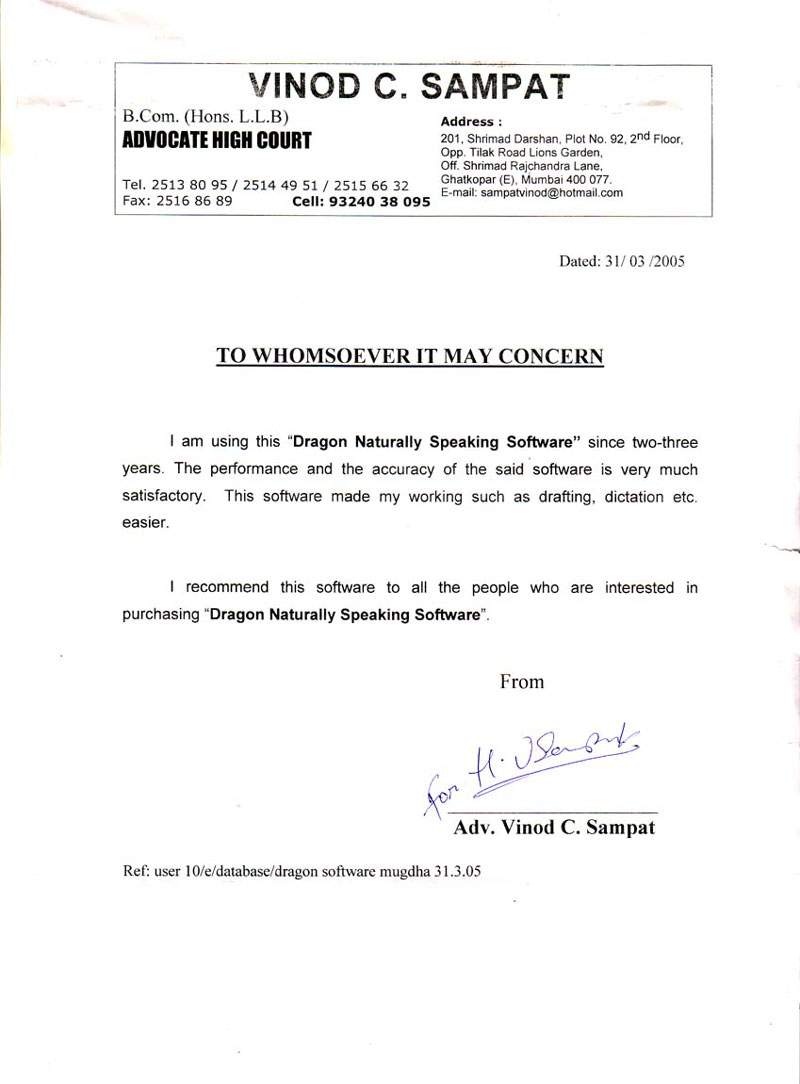
Testimonials
Technology Partner













Icons Infocom | Speech Recognition | Voice Recognition | Dragon Naturally Speaking | Dragon Medical | Dragon Legal | Dragon Professional Individual | Power PDF | Andrea Microphones | Wireless Microphones | Wired Microphones | Array Microphones | Istorage Devices | Speech Recognition India | Tungsten PDF | iManage | Liquidtext | Elmo Document Visualizer | Numeric UPS | Barco Montiors | RadiAnt | MedCalc