

ICONS INFOCOM PVT. LTD.
ICONS Infocom Pvt. Ltd. is an experienced and trusted IT distributor and reseller headquartered in Mumbai with a strong Pan-India presence. The company is certified with ISO 9001:2015, ISO 27001:2022, and ISO/IEC 20000-1:2018, demonstrating our commitment to quality management, information security, and internationally recognized IT service management standards.


Feature Products
-

-
-
-
-

-

-
-
-
-

-
-
-
-
Overview
Dragon Ratings: 4 Dragons.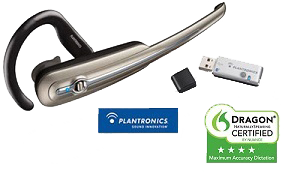
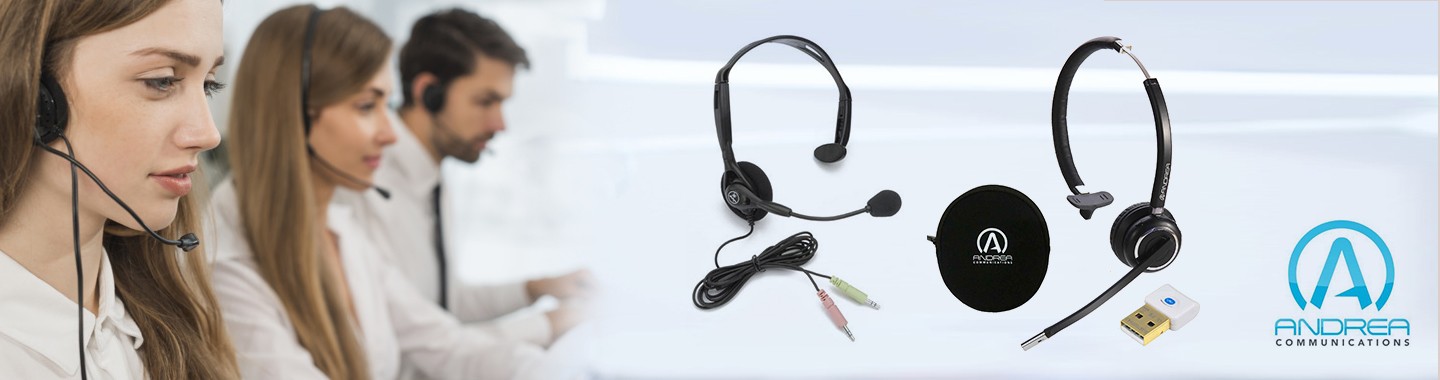
Use with Dragon or Skpe or Web conferencing or with your cellular phone.
- Universal and highly comfortable design, adjustable to left or right ear.
- Up to 33 feet (10 m) range.
- Up to 8 hours talk time.
· Includes USB Bluetooth adapter for plug-and-play PC connectivity & USB Headset charging cable.
Nuance certified, Plantronics Calisto Bluetooth Headset wireless Microphone is concerned, I give it excellent ratings. This headset is also very comfortable and lightweight, but the only way to wear it is by means of an ear hook, but as I stated it is very lightweight.
*Performance may vary by device.
** Headset can last up to four days without charging, based on an average talk time of 1.5 hours per day.
Before using the Plantronics Calisto headset, it must be charged first. To charge the headset, connect the USB headset charger to the charge connection found on the underside of the headset. The headset indicator light will glow solid red while the headset is charging, and will turn solid blue when the headset is fully charged. It is recommended to charge the headset for a minimum of two hours.
Note: Do not use the headset while it is charging and do not connect the USB charger while the headset is being used. Once the headset has been charged, it is ready for use. The Plantronics Calisto headset comes pre-paired with the USB Bluetooth adapter. If the headset is within range of the USB Bluetooth adapter, it will automatically connect to the adapter when the microphone is powered on. If a USB Bluetooth adapter has been purchased separately, the devices will need to be manually paired.
Operating the Plantronics Calisto Headset and descriptions of the indicators and alerts: To power on the microphone:
- Press and hold the headset button for 2 seconds and the headset will emit 4 ascending beeps.
- Press and hold the headset button for 4 seconds and the headset will emit 4 descending beeps.
- Press the headset button once and the headset will emit 1 high beep. The microphone may take 1 to 2 seconds to establish the connection after the beep is heard.
- Press the headset button once after the connection has been established.
- Press the headset button up or down (not inward) and the headset will emit 2 beeps when the maximum or minimum volume is reached.
Using the Plantronics Calisto headset: After the microphone has been charged and paired with the USB Bluetooth adapter, it is ready for use. To start using the microphone, turn it on by pressing the headset button for four seconds. The microphone will signify turning on by emitting 4 ascending beeps. Once the microphone is on, the indicator on the USB Bluetooth adapter will turn solid blue. To use the microphone, press the headset button once to establish the connection. When the connection has been established, the indicator on the USB Bluetooth adapter will flash blue. To stop using the microphone, press the headset button once to disconnect.
To create a new Dragon NaturallySpeaking user profile using the Plantronics Calisto headset:
- Launch Dragon NaturallySpeaking 11.
- Click "NaturallySpeaking > Manage Users".
- Click the "New" button.
- On the New User Wizard, select "Bluetooth Microphone" as the Dictation source.
- Assign the user profile a name and verify the other options are set as desired.
- Click "Next".
- If prompted to choose the sound system, select "Plantronics BT Adapter", then click "Next".
- Continue to follow the New User Wizard to complete the Volume Check, Quality Check and General Training.
Notes:
- The microphone must be turned on and connected to the USB adapter in order for the microphone to work with Dragon NaturallySpeaking.
- If the "Volume too low" message occurs during the Audio Setup Wizard, increase the volume on the headset by pushing the headset button up.
Headset Specifications
- Battery Life/Talk Time: Up to 8 hours*
- Standby Time: Approximately 240 hours**
- Charge Time: 2 hoursPower Requirements: 5V DC-300mA
- Battery Type: Lithium Ion PolymerStorage and Usage
- Temperature: 50F-104F (10C-40C)
- Bluetooth version v1.2 supports eSCO standard; up to 33 ft. range from headset to compatible device.
- Compatible with Bluetooth-enabled mobile phones or Bluetooth devices supporting headset or hands-free profilesWeight: .65 oz.
- Noise-canceling microphone.
Features
- Headset is adjustable to wear on right or left ear
- Class 2 Bluetooth
- Range: Up to 33 feet (10 meters)
- Talk time: Up to 6 hours
- Standby time: Up to 60 hours
- Included Bluetooth USB adapter (BT300) enables plug-and-play connectivity
- Includes a USB charging cable to charge the headset
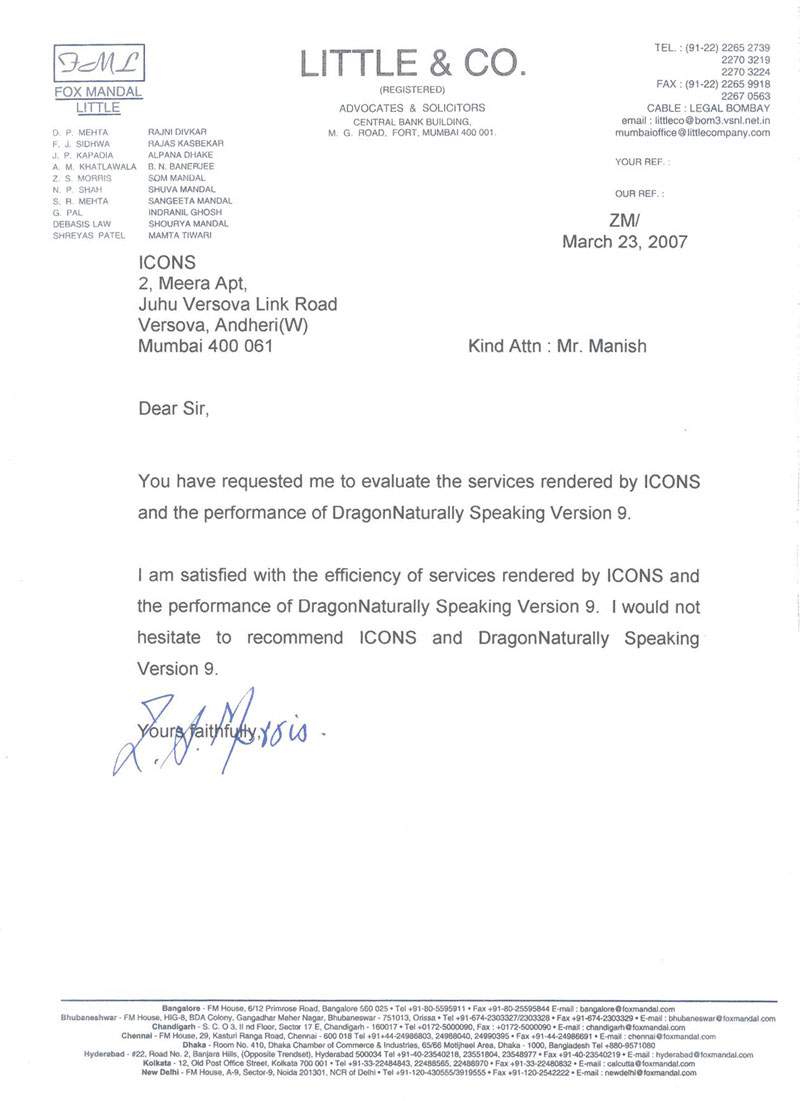
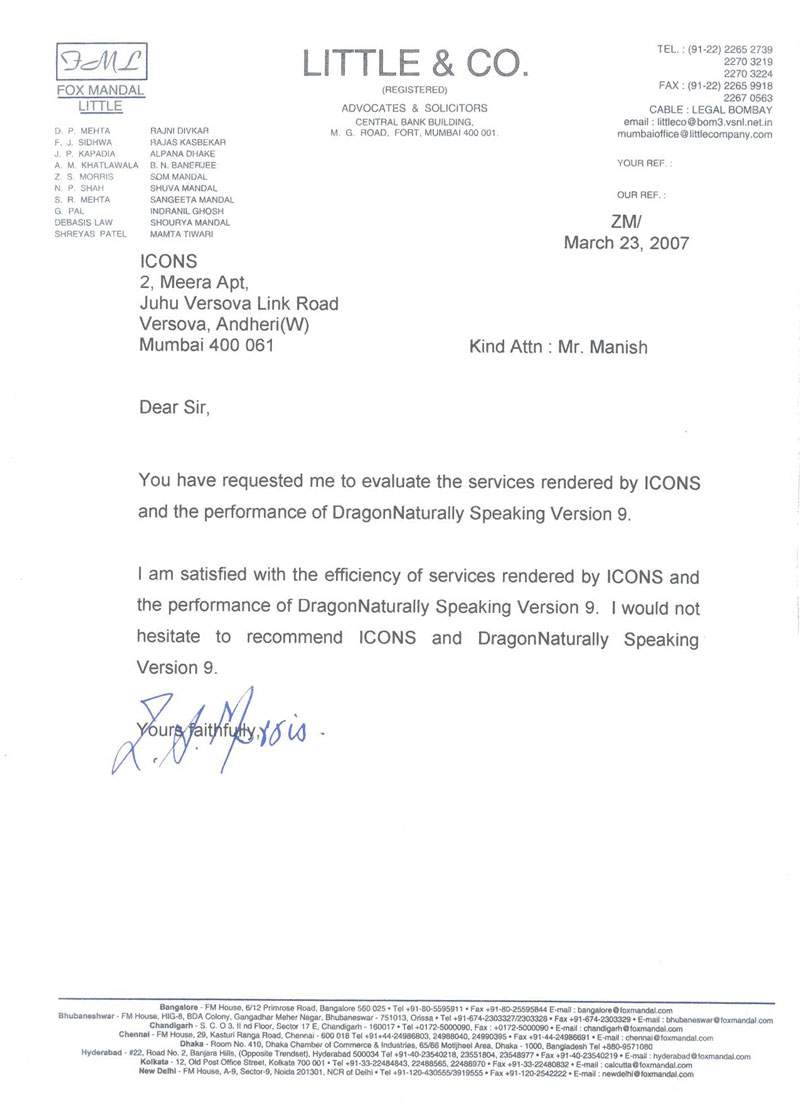
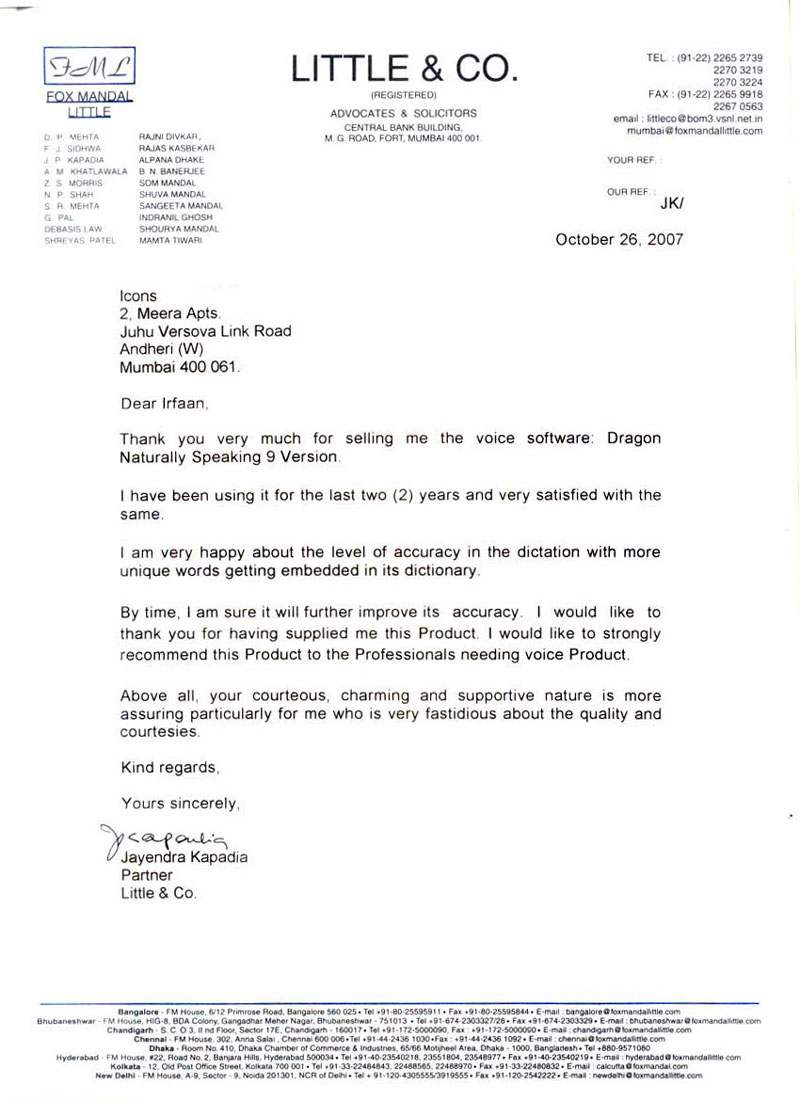
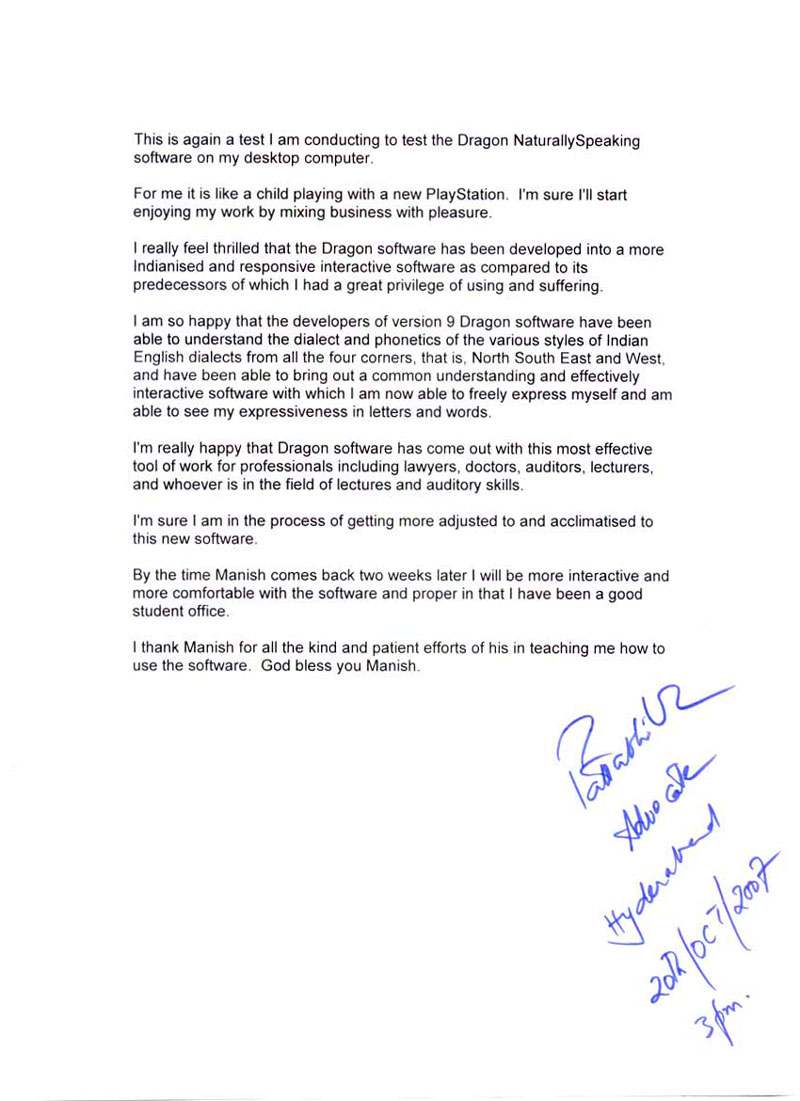
Our Existing Users













Testimonials
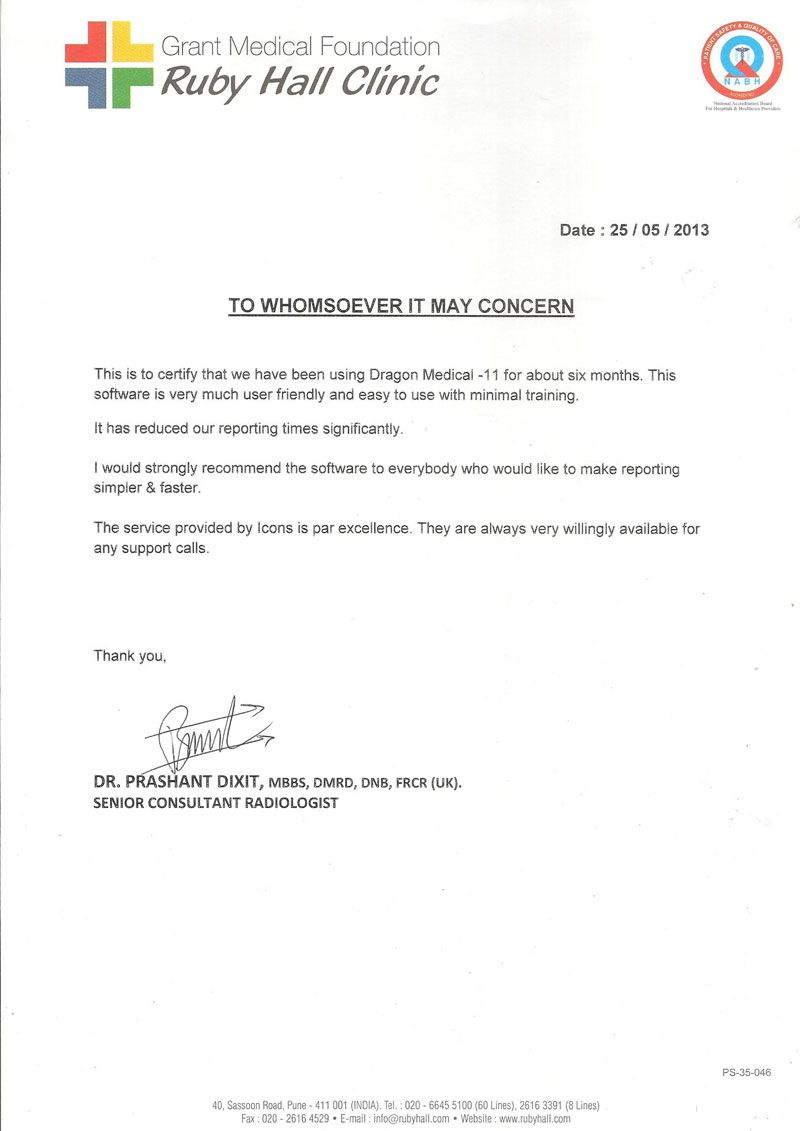
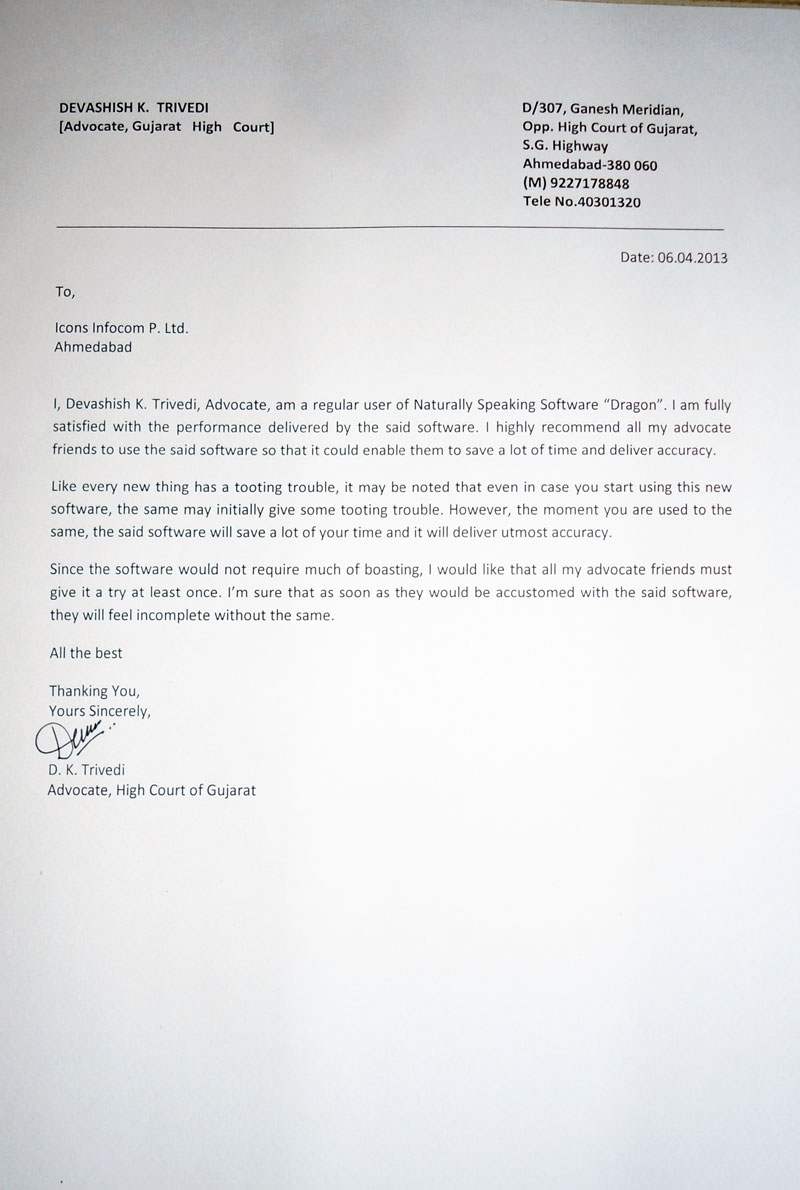
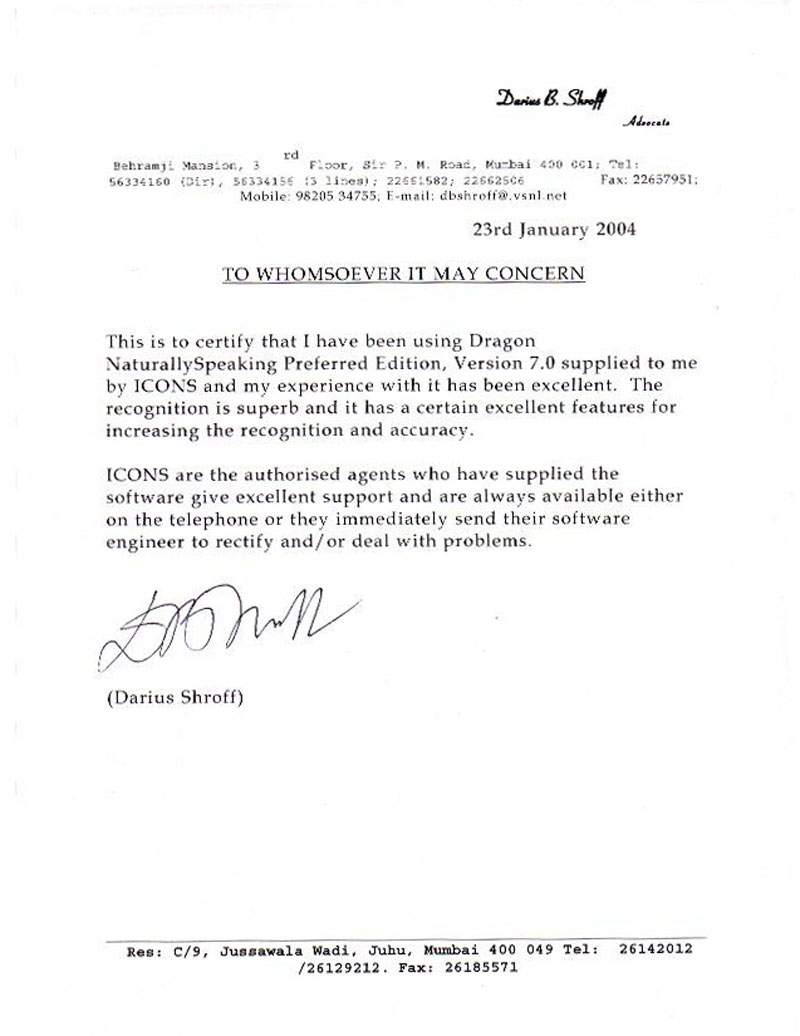
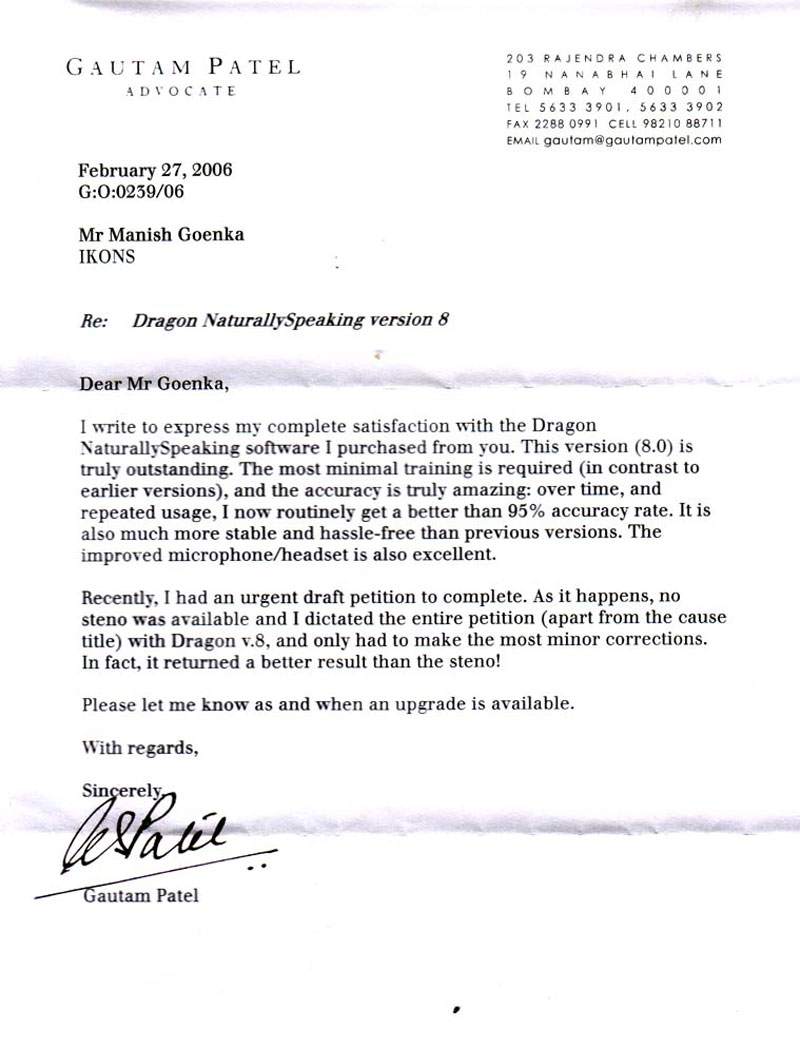
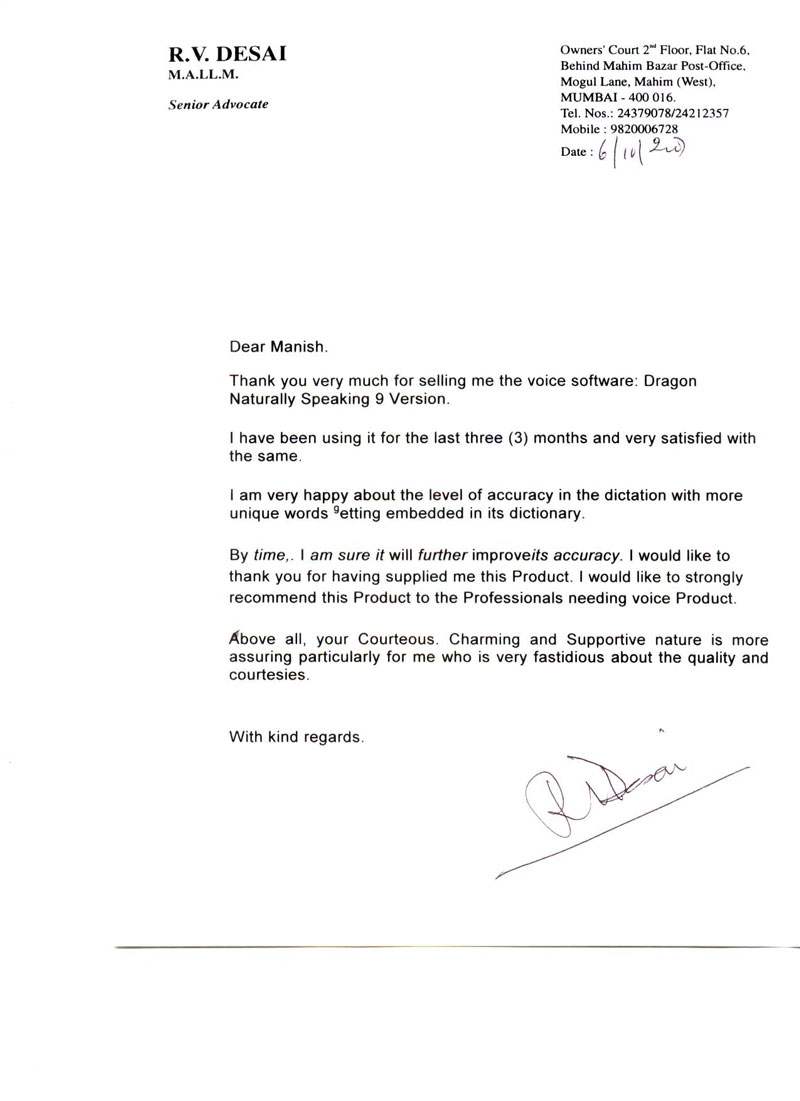
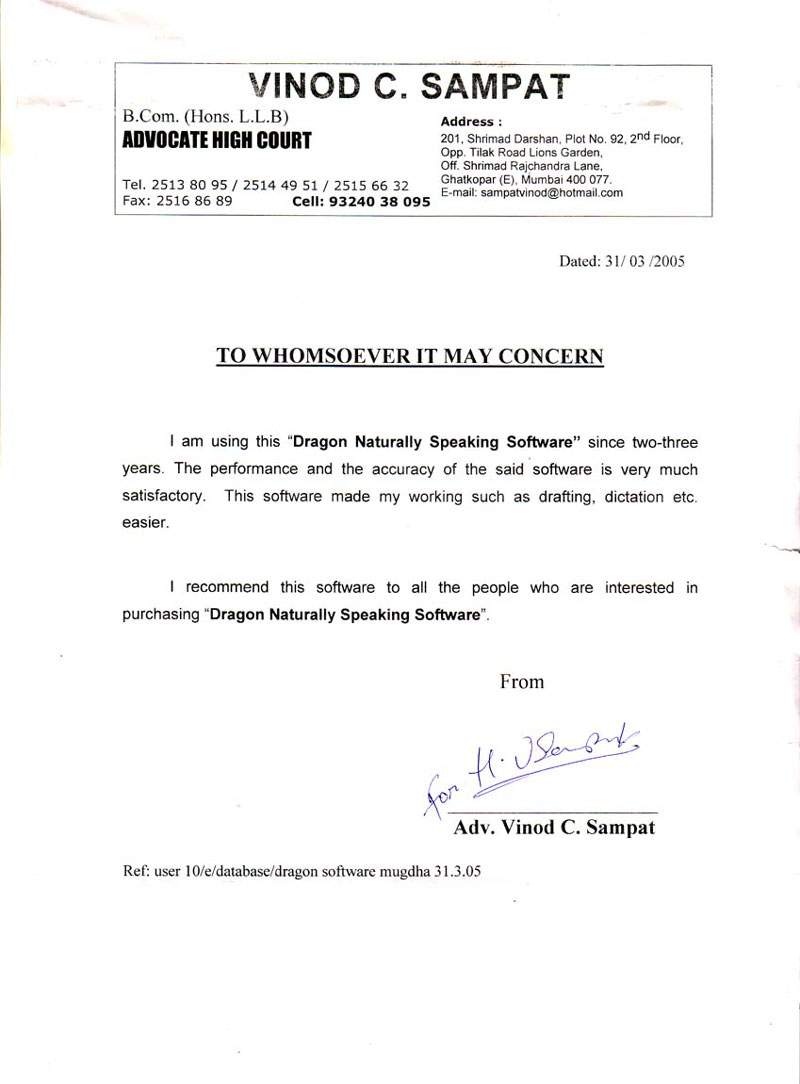
Technology Partner















Icons Infocom | Speech Recognition | Voice Recognition | Dragon Naturally Speaking | Dragon Medical | Dragon Legal | Dragon Professional Individual | Power PDF | Andrea Microphones | Wireless Microphones | Wired Microphones | Array Microphones | Istorage Devices | Speech Recognition India | Tungsten PDF | iManage | Liquidtext | Elmo Document Visualizer | Numeric UPS | Barco Montiors | RadiAnt | MedCalc