




ICONS INFOCOM PVT. LTD.
ICONS Infocom Pvt. Ltd. is an experienced and trusted IT distributor and reseller headquartered in Mumbai with a strong Pan-India presence. The company is certified with ISO 9001:2015, ISO 27001:2022, and ISO/IEC 20000-1:2018, demonstrating our commitment to quality management, information security, and internationally recognized IT service management standards.


Feature Products
-
-
-
-
-

-

-
-
-
-

-
-
-
-


Xodo PDF Studio for Windows
Xodo PDF Studio for Windows
For Windows
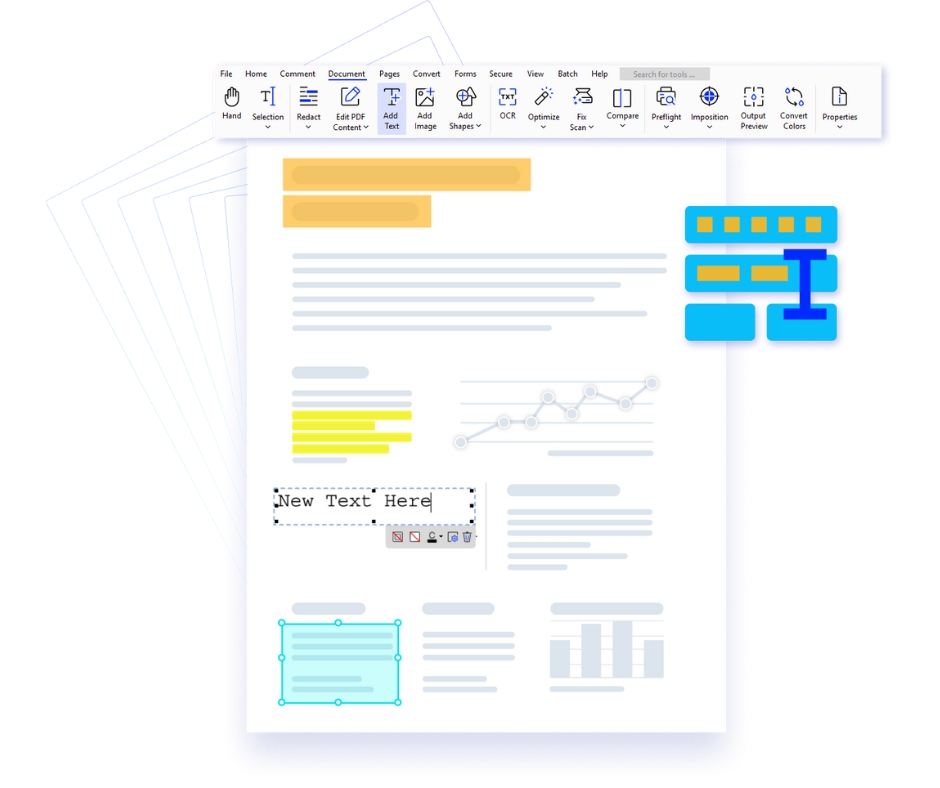
Xodo PDF Studio for Windows is a powerful PDF editor designed for professionals who need advanced document editing, annotation, conversion, and security. From the beginning, it provides a reliable and efficient platform for managing business documents.
Moreover, this PDF editor for Windows simplifies document workflows by combining editing, reviewing, and management into a single solution. As a result, users can eliminate multiple tools and improve productivity. In addition, its optimized performance ensures smooth handling of large files.
With this Windows PDF software, users can edit text, annotate documents, highlight important content, and convert files into Word, Excel, and other formats. Furthermore, features such as OCR, batch processing, and digital signatures improve efficiency and accuracy.
In addition, it supports secure document sharing and collaboration. Therefore, teams can work together efficiently while maintaining data protection and compliance standards.
Whether you are managing contracts, invoices, or reports, Xodo PDF Studio for Windows provides a complete and scalable PDF solution trusted by professionals worldwide.
Key Features of Xodo PDF Studio
✔ Edit, annotate & sign PDFs
✔ OCR & batch processing
✔ Convert to Word, Excel & more
✔ Enterprise-grade security
Why Choose This PDF Editor for Windows
Advanced Editing
Edit content with precision
OCR Technology
Convert scanned PDFs
Batch Tools
Automate workflows
Secure Sharing
Protect documents
Xodo PDF Studio for Linux
Xodo PDF Studio for Linux
Only for Linux
Xodo PDF Studio for Linux is a powerful PDF editor built for Linux users who require efficient document editing, annotation, and workflow management. From the start, it provides a flexible solution tailored for modern Linux environments.
Moreover, this PDF editor for Linux combines editing, reviewing, and document management into a single platform. As a result, users can simplify workflows and improve productivity. In addition, its lightweight architecture ensures smooth performance across distributions.
With this Linux PDF software, users can edit text, annotate PDFs, highlight important sections, and convert files into various formats. Furthermore, features such as OCR, digital signatures, and form handling improve accuracy and efficiency.
In addition, it enables secure document sharing and collaboration. Therefore, teams can work efficiently while maintaining data protection and compliance.
Whether handling technical documents, contracts, or reports, Xodo PDF Studio for Linux delivers a reliable and scalable PDF solution for professional workflows.
Key Features of Xodo PDF Studio
✔ Lightweight and powerful PDF editor
✔ OCR and annotation tools
✔ Convert and manage documents
✔ Secure collaboration features
Why Choose This PDF Studio for Linux
Optimized Performance
Runs efficiently across Linux systems
Flexible Workflow
Streamline document processes
Advanced Tools
Edit and annotate with ease
Data Protection
Secure sensitive information
Xodo PDF Studio for Mac
Xodo PDF Studio for Mac
Only For macOS
Xodo PDF Studio for Mac is a professional PDF editor designed for macOS users who need efficient document editing, annotation, and secure workflows. From the beginning, it provides a reliable platform for handling complex documents with ease.
Moreover, this PDF editor for Mac combines editing, reviewing, and document management into one streamlined interface. As a result, users can reduce dependency on multiple tools and improve productivity. In addition, its optimized performance ensures smooth navigation across large files.
With this macOS PDF software, users can edit text, annotate documents, highlight important content, and convert files into formats such as Word and Excel. Furthermore, features like OCR, digital signatures, and document protection enhance efficiency and accuracy.
In addition, cloud integration enables secure document access and sharing. Therefore, teams can collaborate effectively while maintaining compliance and control over sensitive data.
Whether managing contracts, reports, or bulk documents, Xodo PDF Studio for Mac offers a scalable and dependable solution trusted by professionals worldwide.
Key Features of Xodo PDF Studio
✔ Edit, annotate & sign PDFs
✔ Convert PDF to Word, Excel & more
✔ OCR and document recognition
✔ Secure collaboration tools
Why Choose This PDF Studio for Mac
Edit PDFs Easily
Modify text and layout with precision
Convert Documents
Transform files into multiple formats
Batch Processing
Automate repetitive tasks efficiently
Advanced Security
Protect sensitive information
Courtrooms
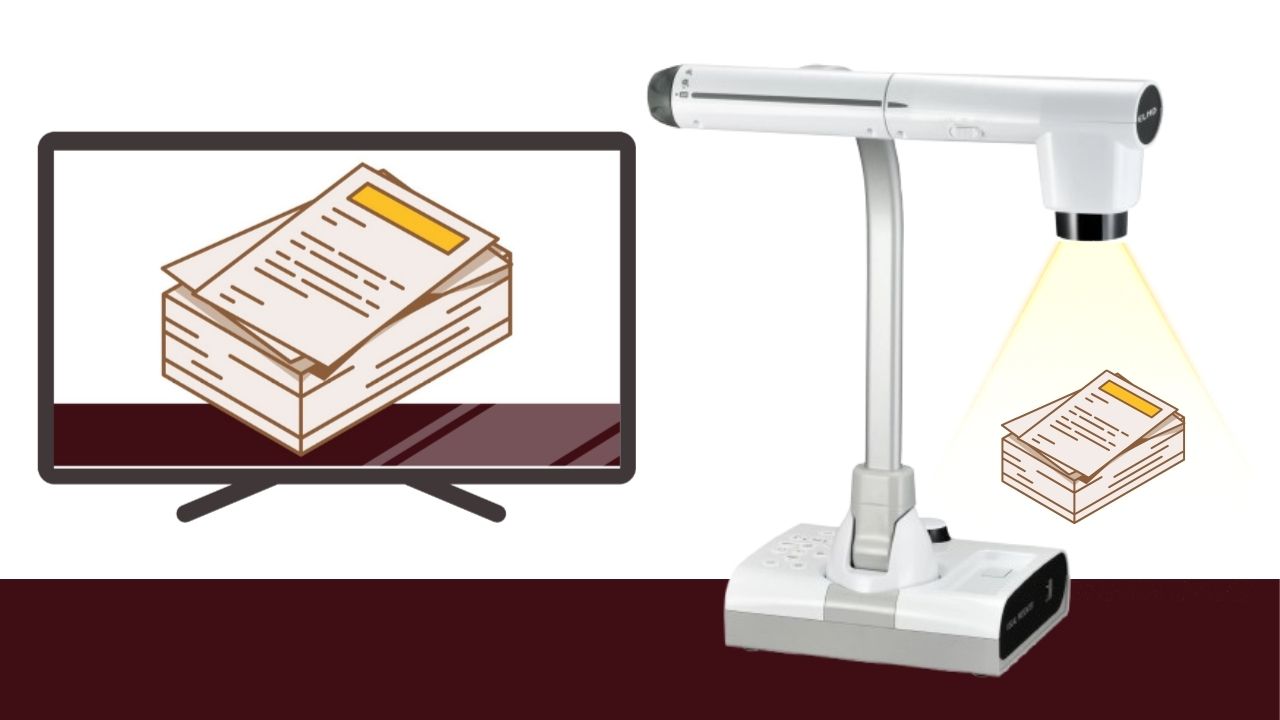
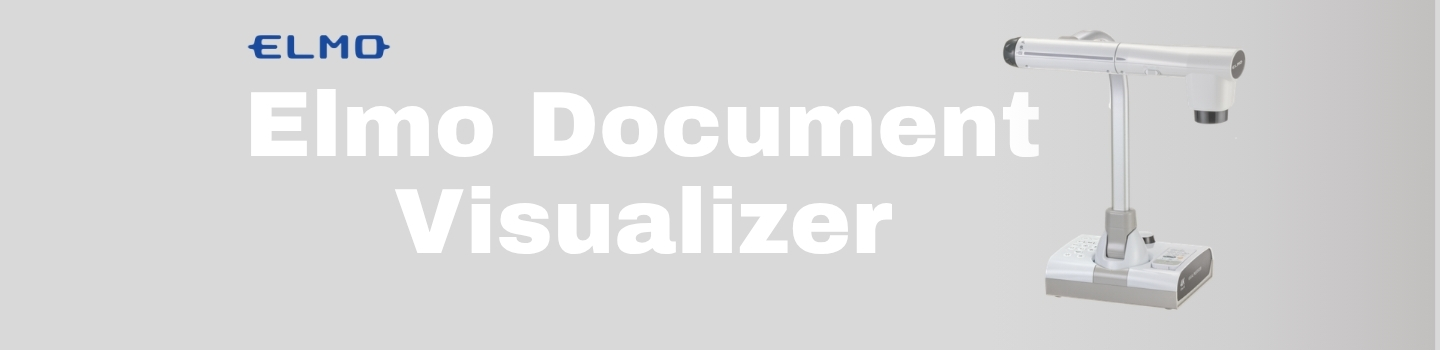
Courtrooms operate on the pillars of precision, clarity, and credibility—principles that define every ELMO solution. Conventional methods of evidence presentation—such as printed documents, handwritten notes, or verbal descriptions—often lead to miscommunication, procedural delays, and potential misjudgments. ELMO addresses these challenges with advanced visual technology, designed specifically for legal environments. Our state-of-the-art document visualizers and interactive display systems ensure that every piece of legal evidence is presented with high-definition clarity, enabling judges, attorneys, and jurors to view, interpret, and assess information accurately and efficiently.
By modernizing courtroom technology, ELMO supports faster proceedings, improves transparency, and upholds the integrity of justice through reliable and intuitive tools
- ???? Crystal-Clear Evidence Presentation: ELMO’s high-resolution visualizers like the L-12G and MX-P3 ensure that every document, photo, or object is shown with razor-sharp clarity—even the smallest details are never missed.
- ⚖️ Improved Transparency in Proceedings: Real-time zoom, annotation, and recording features empower judges, attorneys, and jurors to analyze evidence more accurately, eliminating doubts and reducing errors.
- ⚡ Faster, More Efficient Trials: With plug-and-play devices and instant image capture, ELMO cuts down technical delays and allows proceedings to flow smoothly, saving valuable courtroom time.
- ???? Portable, Practical & Professional: Whether used in a small hearing or a high-stakes trial, ELMO devices are designed for easy portability, quick setup, and a non-intrusive presence in any legal environment.
- ✅ Trusted Globally, Certified Locally: With over 100 years of experience and widespread adoption in courts worldwide, ELMO products are trusted by legal professionals and backed by industry certifications.
Features that guarantee clear and precise evidence.
|
Why Legal Professionals Rely on Elmo Visualizer
|
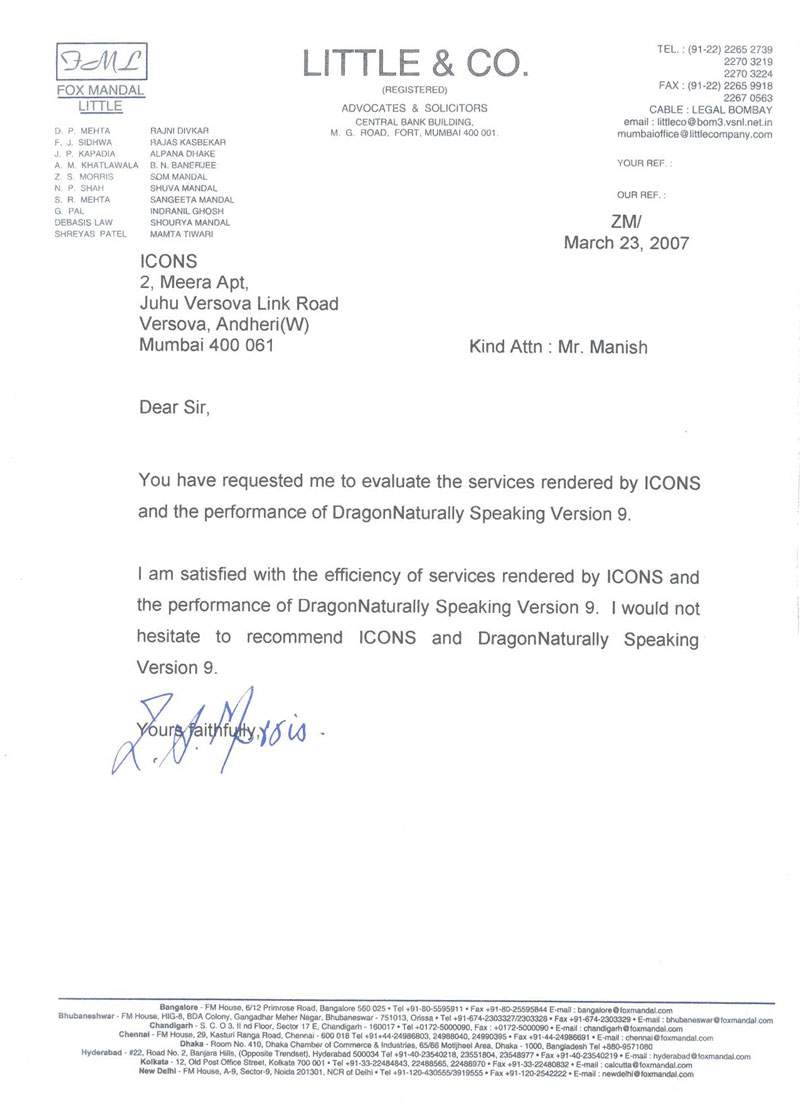
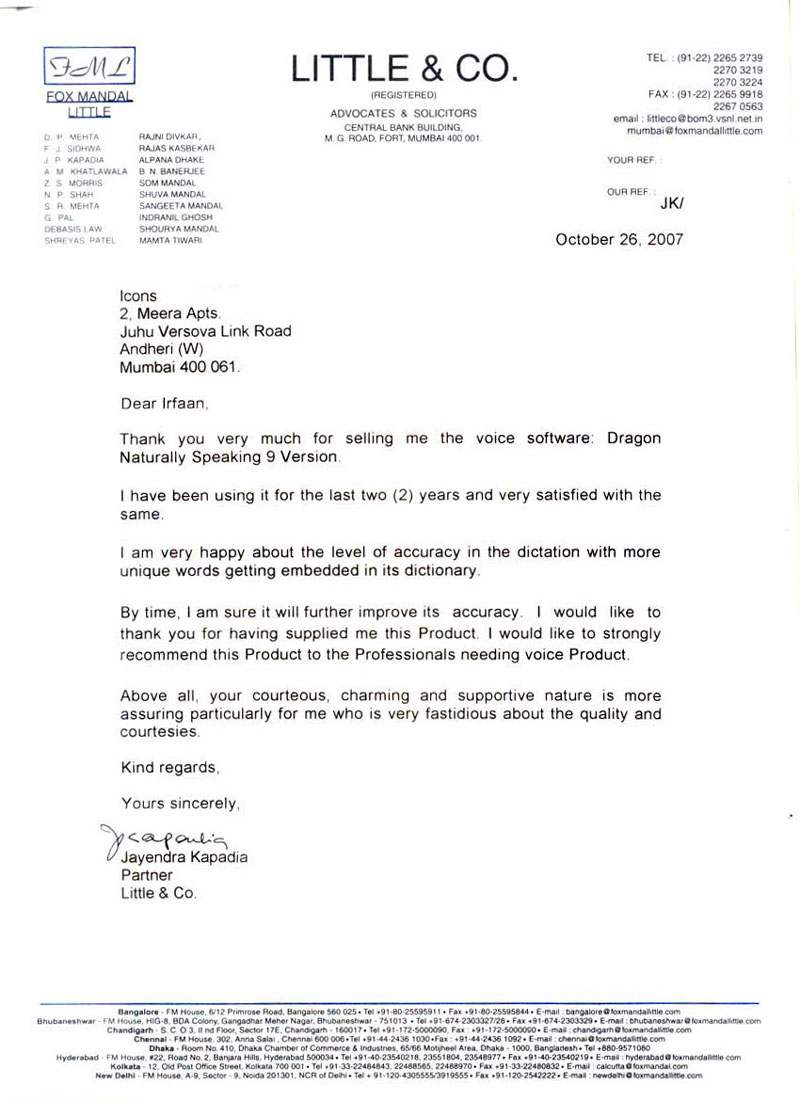
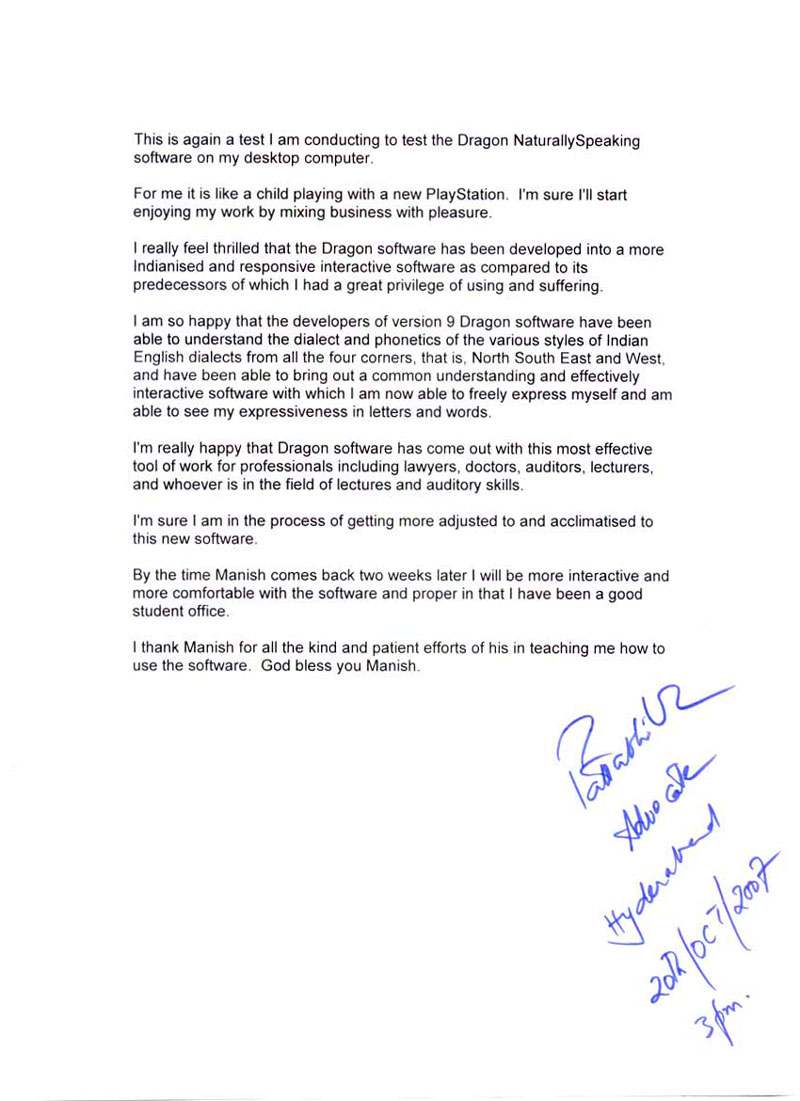
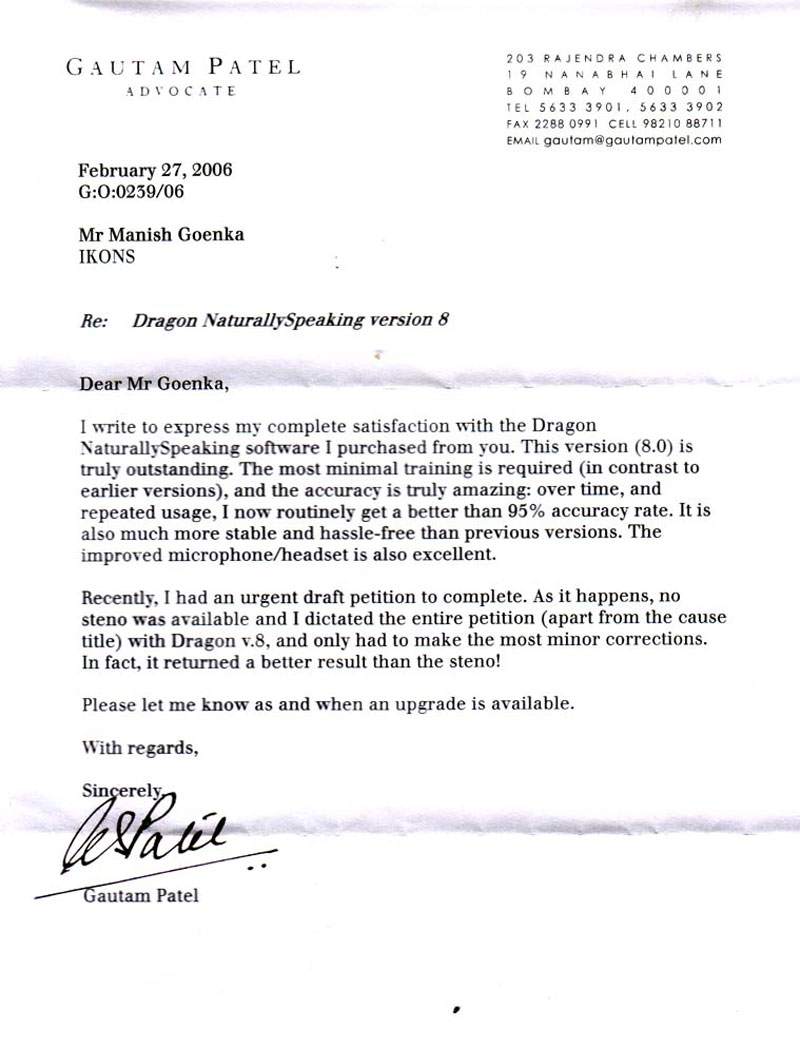
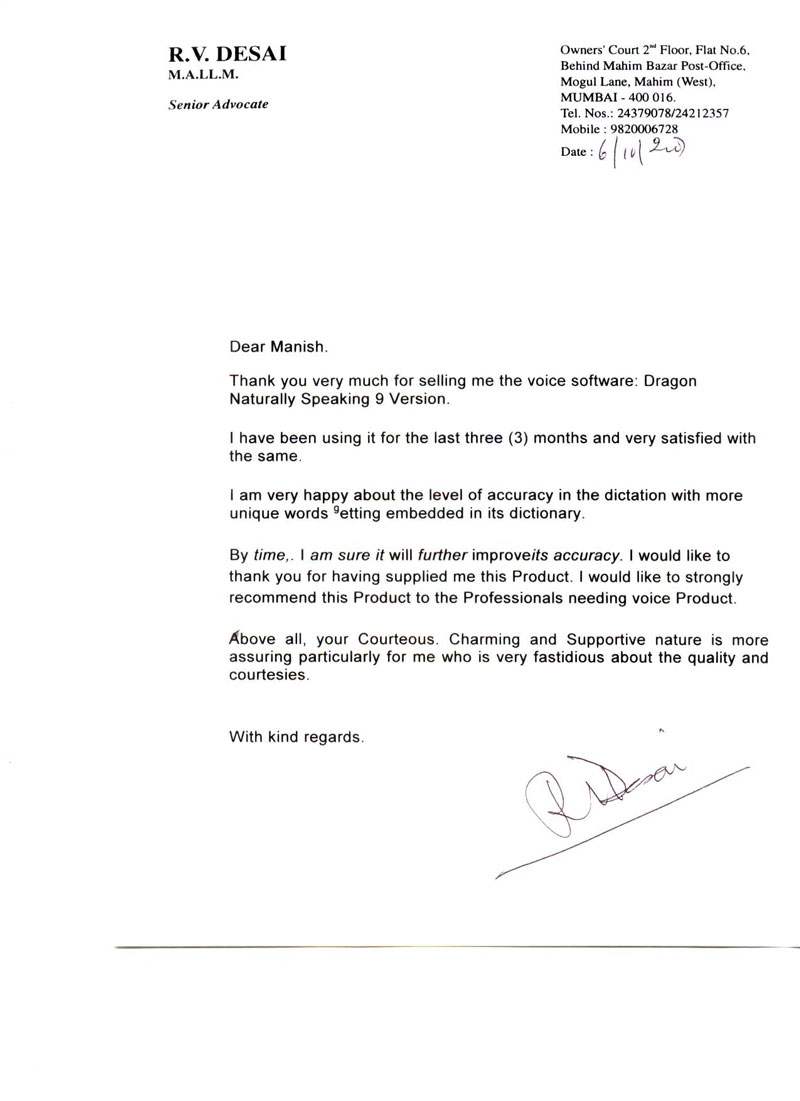
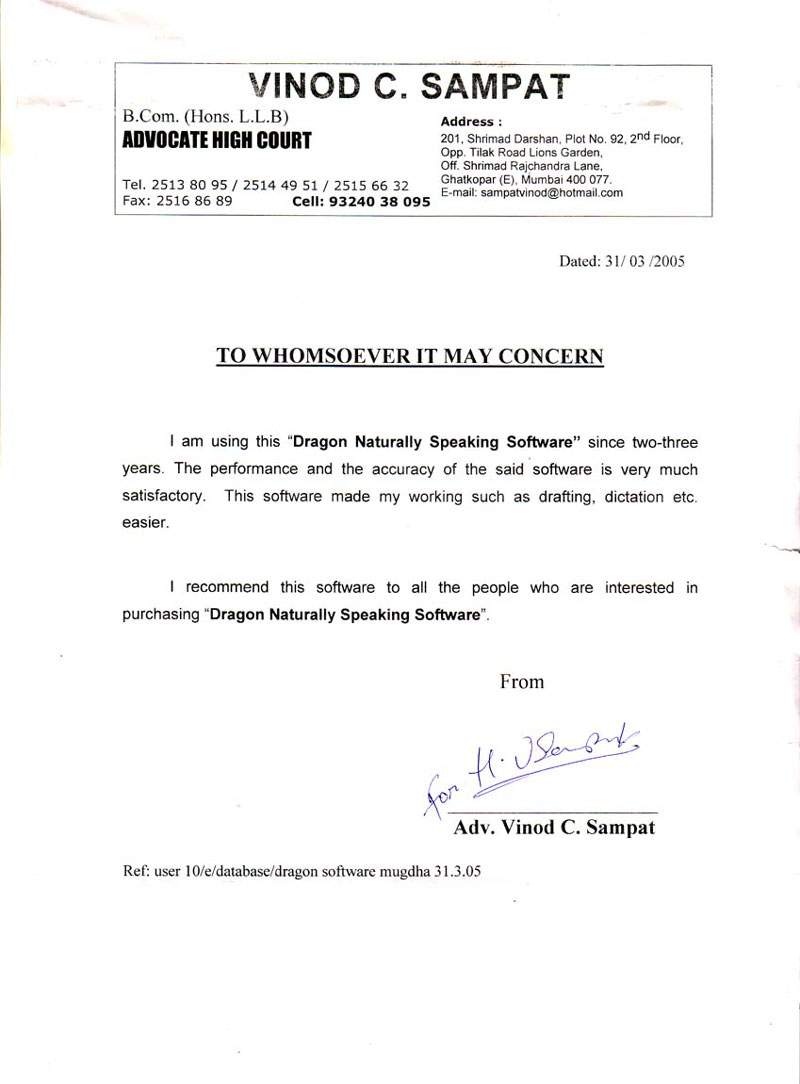
Our Existing Users











Testimonials
Technology Partner












Icons Infocom | Speech Recognition | Voice Recognition | Dragon Naturally Speaking | Dragon Medical | Dragon Legal | Dragon Professional Individual | Power PDF | Andrea Microphones | Wireless Microphones | Wired Microphones | Array Microphones | Istorage Devices | Speech Recognition India | Tungsten PDF | iManage | Liquidtext | Elmo Document Visualizer | Numeric UPS | Barco Montiors | RadiAnt | MedCalc