









ICONS INFOCOM PVT. LTD.
ICONS Infocom Pvt. Ltd. is an experienced and trusted IT distributor and reseller headquartered in Mumbai with a strong Pan-India presence. The company is certified with ISO 9001:2015, ISO 27001:2022, and ISO/IEC 20000-1:2018, demonstrating our commitment to quality management, information security, and internationally recognized IT service management standards.


Feature Products
-
-
-
-
-
-

-
-
-
-


-
-
-
-



Xodo PDF Studio for Mac
Xodo PDF Studio for Mac
Only For macOS
Xodo PDF Studio for Mac is a professional PDF editor designed for macOS users who need efficient document editing, annotation, and secure workflows. From the beginning, it provides a reliable platform for handling complex documents with ease.
Moreover, this PDF editor for Mac combines editing, reviewing, and document management into one streamlined interface. As a result, users can reduce dependency on multiple tools and improve productivity. In addition, its optimized performance ensures smooth navigation across large files.
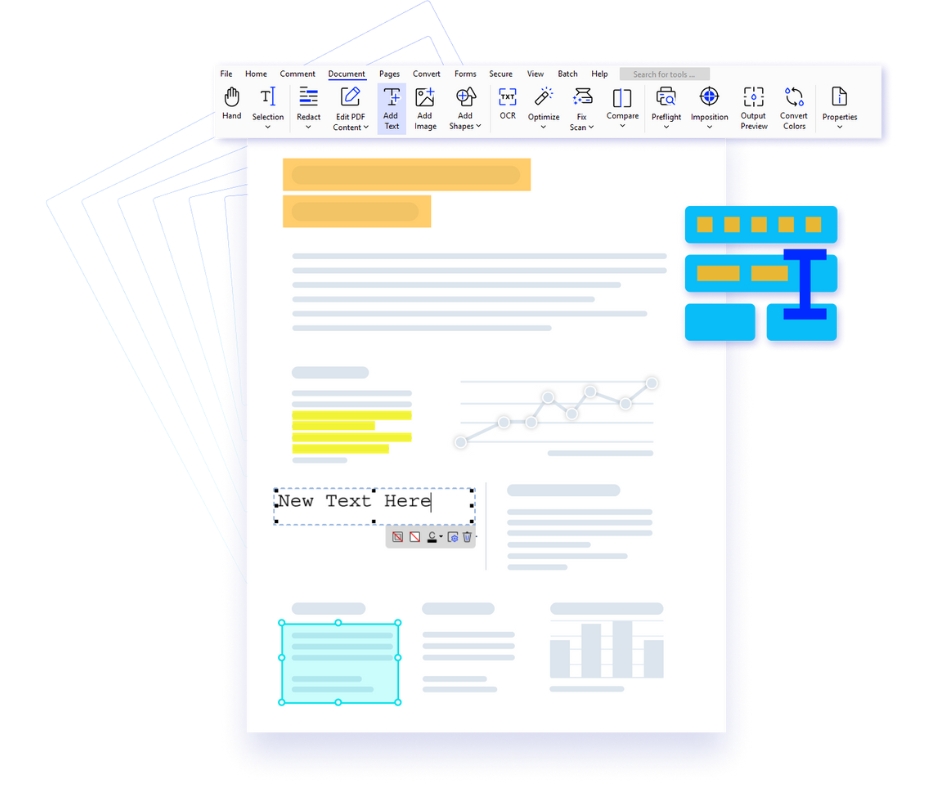
With this macOS PDF software, users can edit text, annotate documents, highlight important content, and convert files into formats such as Word and Excel. Furthermore, features like OCR, digital signatures, and document protection enhance efficiency and accuracy.
In addition, cloud integration enables secure document access and sharing. Therefore, teams can collaborate effectively while maintaining compliance and control over sensitive data.
Whether managing contracts, reports, or bulk documents, Xodo PDF Studio for Mac offers a scalable and dependable solution trusted by professionals worldwide.
Key Features of Xodo PDF Studio
✔ Edit, annotate & sign PDFs
✔ Convert PDF to Word, Excel & more
✔ OCR and document recognition
✔ Secure collaboration tools
Why Choose This PDF Studio for Mac
Edit PDFs Easily
Modify text and layout with precision
Convert Documents
Transform files into multiple formats
Batch Processing
Automate repetitive tasks efficiently
Advanced Security
Protect sensitive information
Courtrooms

Courtrooms operate on the pillars of precision, clarity, and credibility—principles that define every ELMO solution. Conventional methods of evidence presentation—such as printed documents, handwritten notes, or verbal descriptions—often lead to miscommunication, procedural delays, and potential misjudgments. ELMO addresses these challenges with advanced visual technology, designed specifically for legal environments. Our state-of-the-art document visualizers and interactive display systems ensure that every piece of legal evidence is presented with high-definition clarity, enabling judges, attorneys, and jurors to view, interpret, and assess information accurately and efficiently.
By modernizing courtroom technology, ELMO supports faster proceedings, improves transparency, and upholds the integrity of justice through reliable and intuitive tools
- ???? Crystal-Clear Evidence Presentation: ELMO’s high-resolution visualizers like the L-12G and MX-P3 ensure that every document, photo, or object is shown with razor-sharp clarity—even the smallest details are never missed.
- ⚖️ Improved Transparency in Proceedings: Real-time zoom, annotation, and recording features empower judges, attorneys, and jurors to analyze evidence more accurately, eliminating doubts and reducing errors.
- ⚡ Faster, More Efficient Trials: With plug-and-play devices and instant image capture, ELMO cuts down technical delays and allows proceedings to flow smoothly, saving valuable courtroom time.
- ???? Portable, Practical & Professional: Whether used in a small hearing or a high-stakes trial, ELMO devices are designed for easy portability, quick setup, and a non-intrusive presence in any legal environment.
- ✅ Trusted Globally, Certified Locally: With over 100 years of experience and widespread adoption in courts worldwide, ELMO products are trusted by legal professionals and backed by industry certifications.
Features that guarantee clear and precise evidence.
|
Why Legal Professionals Rely on Elmo Visualizer
|
Corti
iManage
Intelligent Information Management
iManage vs SharePoint: Document Management for Law Firms & Enterprises
Choose the right platform for secure document and email management. iManage is purpose-built for legal workflows, while SharePoint offers broad enterprise collaboration. Expert insights by ICONS Infocom.

Document Security | Intelligent Search | Legal Workflows | Enterprise Collaboration
About the Platform
What Is iManage Document Management Software?
iManage is an intelligent document and email management platform designed to help law firms and enterprises organise, protect and access critical business information efficiently.
It provides a centralised environment for managing documents, business correspondence and organisational knowledge. With intelligent search, advanced security and AI-powered capabilities, professionals can streamline everyday workflows and improve productivity.
- Centralised document and email organisation.
- Secure access to confidential information.
- Efficient document search and retrieval.
- Improved team collaboration.
- Information governance and lifecycle management.

iManage Legal-First
Purpose-built document and email management for law firms and legal departments. Trusted by 75% of the world's top law firms.
- Matter-centric document organisation
- Advanced email filing & threading
- Built-in ethical walls & security
- Seamless Microsoft 365 integration
- AI-powered search & RAVN extraction
SharePoint Enterprise
Microsoft's collaboration platform for broad enterprise content management, intranets, and team collaboration across departments.
- Document libraries & version control
- Powerful workflow automation
- Deep Microsoft 365 ecosystem
- Enterprise-grade scalability
- Customisable intranet & portals
Powerful Capabilities
Key Features of an Intelligent Document Management Platform
Discover how advanced information management capabilities help organisations improve document control, protect information and simplify everyday workflows.
Intelligent Search
Find relevant documents and emails efficiently with powerful search capabilities and AI-assisted information discovery.
Advanced Document Security
Protect sensitive information through permissions, access controls and information governance capabilities.
Email Management
Organise and manage important business emails alongside related documents within a centralised information environment.
Flexible Access
Access relevant information and collaborate with colleagues across supported devices and working environments.
Workflow Management
Improve document processes with organised workflows, version control and structured information management.
AI-Powered Productivity
Use intelligent capabilities to help professionals discover, understand and work with organisational knowledge.
Designed for Professionals
Who Can Benefit from This Solution?
Organisations handling large volumes of important documents, emails and confidential information can benefit from structured information management.
Document Management for Law Firms
Help legal professionals manage case documents, contracts, client correspondence, matter-related information and legal knowledge through an organised document management environment.
- Legal document organisation.
- Client and matter-centric management.
- Document version management.
- Secure legal collaboration.
Enterprise Information Management
Support corporate teams in managing business documents, internal communications and organisational knowledge through a centralised information management platform.
- Enterprise document management.
- Information governance.
- Business email management.
- Organisational collaboration.
Smarter Workflows
A More Organised Approach to Document Management
Bring documents, emails and business information into a structured workflow.
01
Capture
Bring documents and emails into your information environment.
02
Organise
Structure information for easier management and retrieval.
03
Collaborate
Enable teams to work with relevant information efficiently.
04
Govern
Manage access, information security and document lifecycle.
Head-to-Head
iManage vs SharePoint — Feature Comparison
Evaluate solutions based on your organisation's legal workflows, security requirements and information governance needs.
| Feature / Capability | iManage | SharePoint |
|---|---|---|
| Legal-specific matter management | ✔️ Native, out-of-the-box | ⚠️ Requires custom build |
| Email filing & management | ✔️ Advanced, with threading | ⚠️ Basic (Outlook add-in) |
| Ethical walls & need-to-know security | ✔️ Built-in | ⚠️ Complex permissions setup |
| Document version control | ✔️ Automatic & robust | ✔️ Standard versioning |
| Microsoft 365 integration | ✔️ Seamless (iManage Work) | ✔️ Native (part of M365) |
| AI / machine learning | ✔️ RAVN AI, knowledge search | ✔️ Microsoft Copilot & Syntex |
| Collaboration & co-authoring | ✔️ Good (with M365) | ✔️ Excellent, real-time |
| Deployment model | Cloud or on-premises | Cloud (M365) or on-premises |
| Ideal for | Law firms & legal teams | Enterprises & broad collaboration |
Note: Features and capabilities depend on the selected product edition, configuration and licensing.
📘 Get the Full Comparison Guide
Download our detailed PDF comparing iManage and SharePoint for legal and enterprise document management — including pricing considerations, migration tips, and use cases.
Download PDF GuidePDF, approx. 1.2 MB · By ICONSiManage/iManage-Advantage-over-SharePoint-Law-Firms.pdf Infocom
Inside the Platform
iManage in Action
See how iManage brings documents, emails, matters and knowledge into one secure, searchable environment.

Frequently Asked Questions
Frequently Asked Questions
1. What is iManage used for?
iManage is used for document and email management, information governance, secure collaboration and organising business knowledge. It is particularly relevant for law firms and enterprises.
2. Is iManage suitable for law firms?
Yes. The platform offers capabilities designed to support legal professionals in managing client documents, matter-related information, emails and legal workflows.
3. Does the platform support email management?
Yes. It provides document and email management capabilities that help organisations manage business correspondence alongside related documents.
4. Does it offer AI-powered features?
AI-powered capabilities help professionals discover and work with organisational information more efficiently. Availability depends on the relevant product and configuration.
5. How can I enquire about pricing in India?
Contact ICONS Infocom to discuss your organisation's requirements, licensing options and pricing.
Ready to Transform Your Document Management?
Empower your legal team and enterprise with intelligent document management, secure information access and efficient collaboration. Connect with ICONS Infocom to explore the right solution.
This email address is being protected from spambots. You need JavaScript enabled to view it. WhatsApp Our TeamLooking for an intelligent document management solution? Enquire Now
Our Existing Users













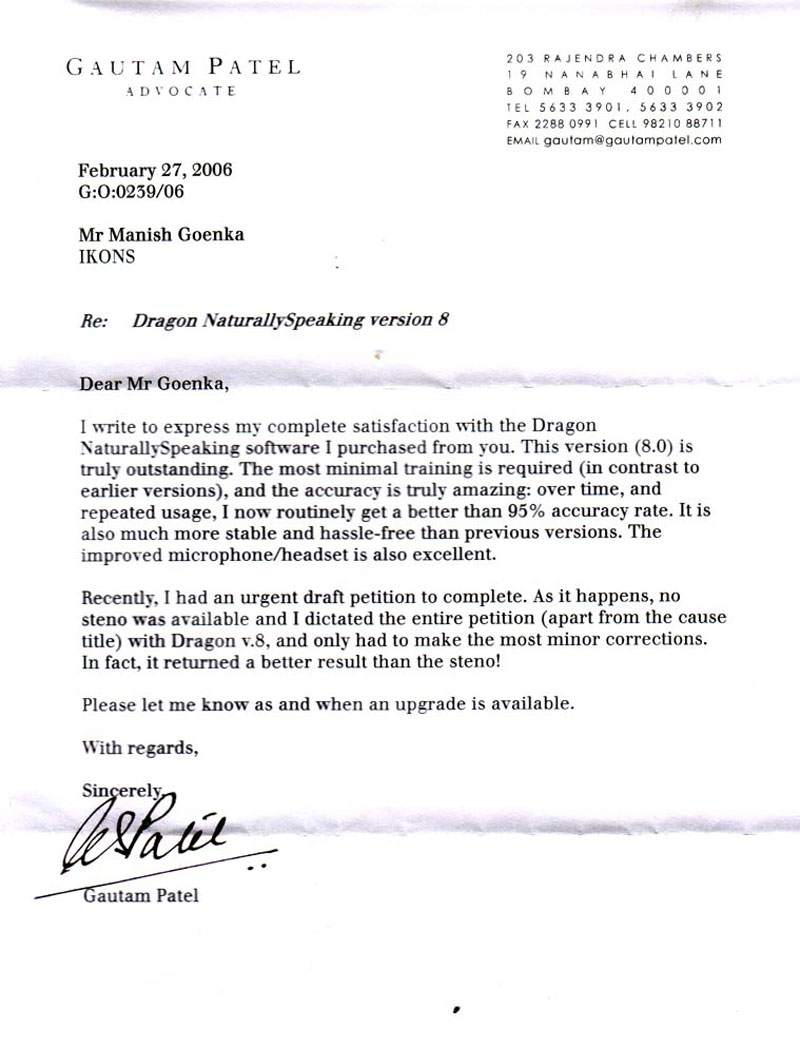
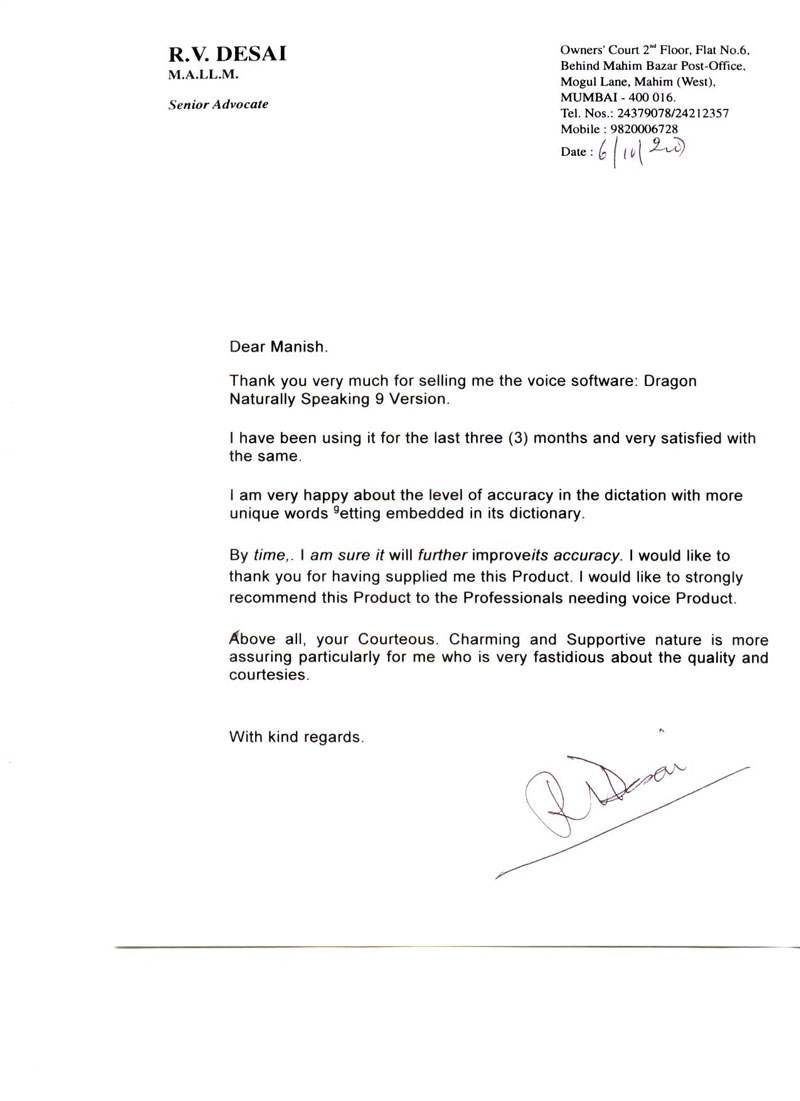
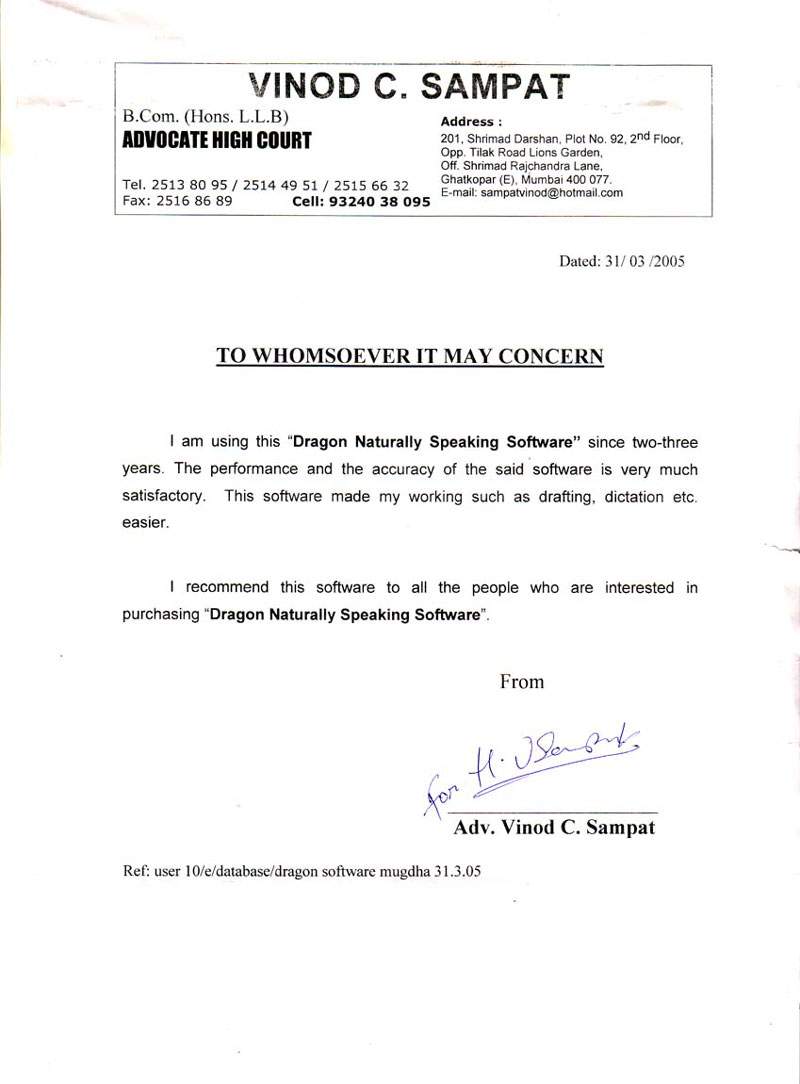
Testimonials


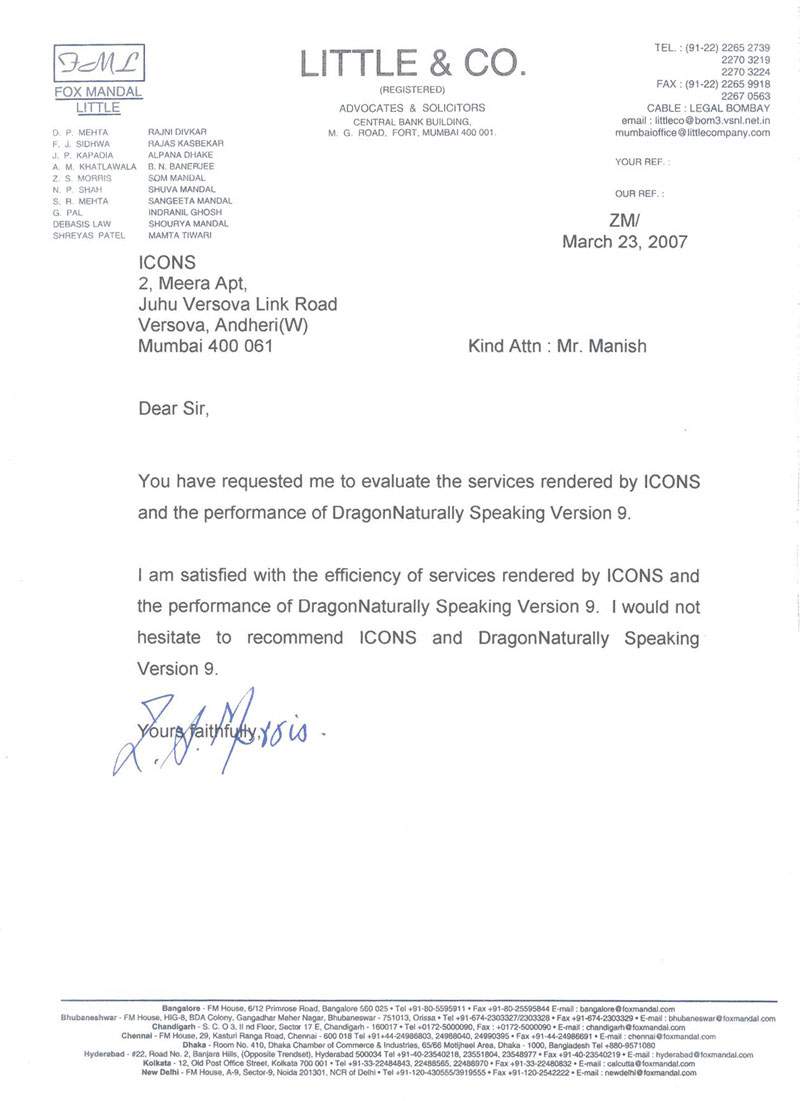
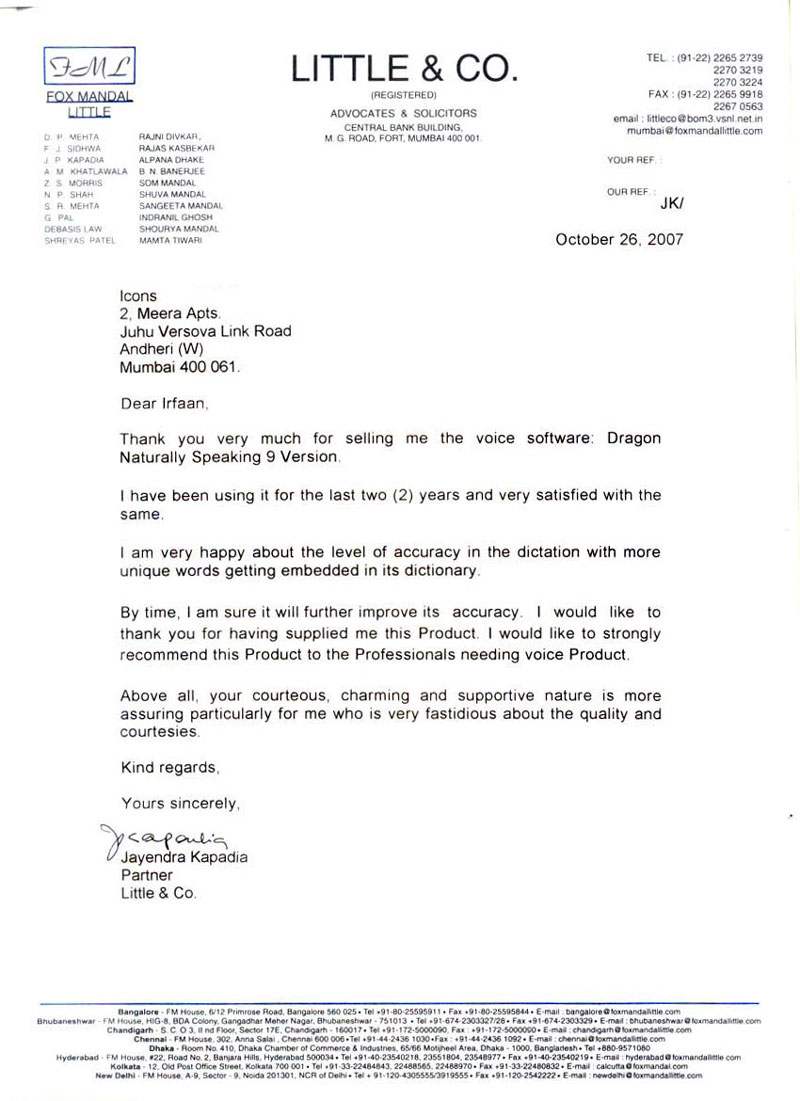
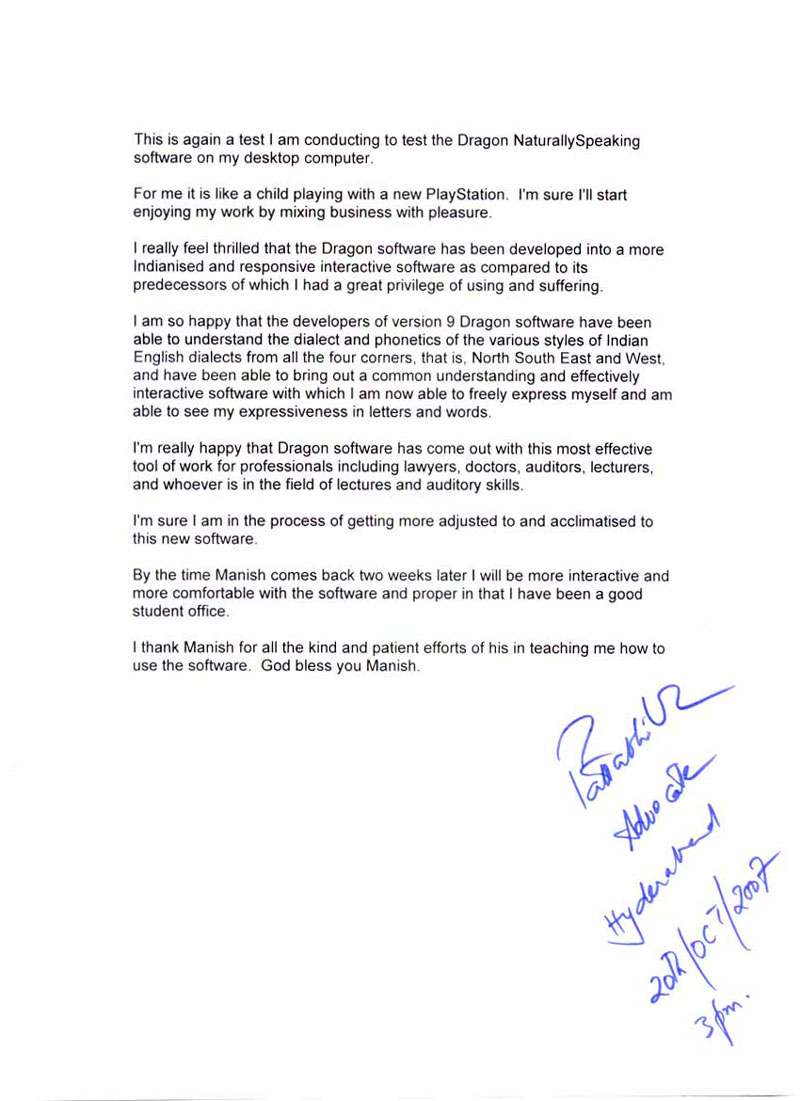
Technology Partner













Icons Infocom | Speech Recognition | Voice Recognition | Dragon Naturally Speaking | Dragon Medical | Dragon Legal | Dragon Professional Individual | Power PDF | Andrea Microphones | Wireless Microphones | Wired Microphones | Array Microphones | Istorage Devices | Speech Recognition India | Tungsten PDF | iManage | Liquidtext | Elmo Document Visualizer | Numeric UPS | Barco Montiors | RadiAnt | MedCalc