

ICONS INFOCOM PVT. LTD.
ICONS Infocom Pvt. Ltd. is an experienced and trusted IT distributor and reseller headquartered in Mumbai with a strong Pan-India presence. The company is certified with ISO 9001:2015, ISO 27001:2022, and ISO/IEC 20000-1:2018, demonstrating our commitment to quality management, information security, and internationally recognized IT service management standards.


Feature Products
-
-
-
-
-
-

-
-
-
-


-
-
-
-
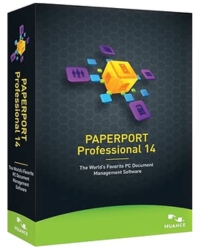
Paper Port 14, Document Management System
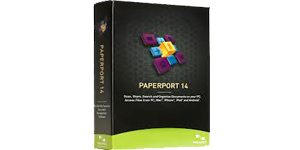
PaperPort Professional 14 – Smart Document Management & PDF Software
Scan, organize, search, and share documents efficiently with powerful PDF creation, cloud integration, and enterprise-grade document management.
DatasheetOverview
PaperPort Professional 14 is a powerful document management solution designed to help businesses and professionals scan, organize, access, and share documents with ease. It combines advanced scanning, PDF creation, and file management into one intuitive platform.
With seamless cloud integration, users can access documents anytime, anywhere via web browsers, mobile devices, or tablets. PaperPort eliminates paper dependency, improves workflow efficiency, and ensures secure document handling across teams.
Trusted by millions worldwide, PaperPort simplifies document workflows, enhances productivity, and enables organizations to transition to a fully digital environment.
What’s New
Cloud Connector Integration
Access and sync files with cloud platforms like Google Drive, Box, and OneDrive directly within PaperPort.
Evernote Integration
Drag-and-drop files into Evernote and attach documents to notes seamlessly.
Enhanced Network Support
Fast thumbnail viewing and file locking prevent conflicts in shared environments.
Advanced Scanning
Up to 62% smaller PDFs with improved compression and faster scan workflows.
Workspace Productivity Tools
Quick access to recently scanned or opened documents for faster navigation.
Scanner Enhancement Tools
Auto-cropping, despeckle, punch-hole removal, and edge cleaning for perfect scans.
Key Features
Document Management
Centralized platform to scan, organize, and manage all documents efficiently.
PDF Creation & Editing
Create, merge, edit, and share industry-standard PDF files بسهولة.
Advanced Security
Protect sensitive documents with encryption, passwords, and access controls.
Form Conversion
Convert paper forms into fillable digital forms using FormTyper technology.
Searchable PDFs
Instantly find documents using keyword search across scanned files.
Cloud & Mobile Access
Access and manage documents from anywhere using cloud connectivity.
Batch Processing
Automate document workflows and process large volumes efficiently.
Scanner Compatibility
Works with all scanners including MFPs and mobile scanning devices.
System Requirements
| Processor | Intel Pentium or higher |
| RAM | 1 GB minimum |
| Storage | 700 MB free disk space |
| Display | 1024 × 768 resolution |
| Operating System | Windows 8 / 7 / Vista / XP |
| Browsers | Internet Explorer, Firefox, Chrome |
| Installation | DVD-ROM required |
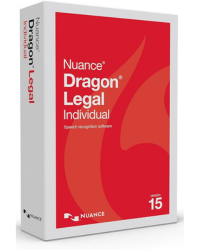
Dragon Legal 15 ESD
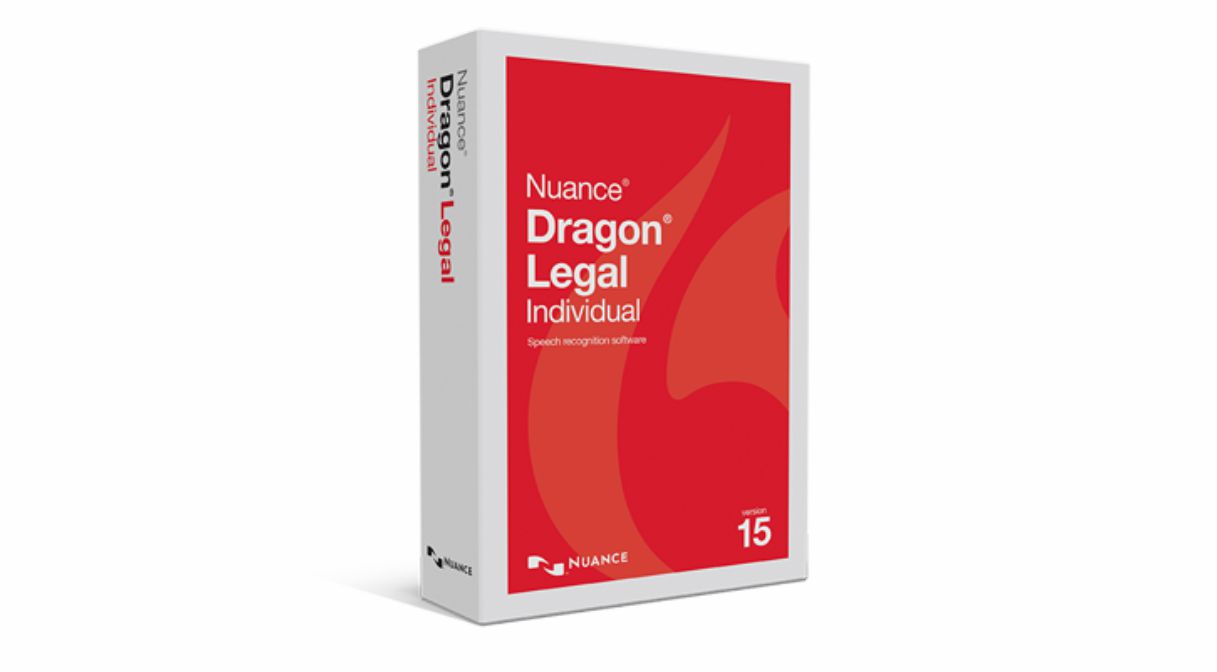
Dragon Legal 15 ESD provides a faster, more efficient method for legal professionals to draft contracts, dictate briefs, prepare court documents, and compose professional correspondence with exceptional accuracy and control.
Convert speech into text up to three times faster than typing, with up to 99% recognition accuracy across virtually all Windows-based applications—enabling uninterrupted workflow within legal drafting environments.
The solution includes a pre-configured legal vocabulary of over 30,000 legal terms and phrases, with built-in formatting for legal citations, ensuring documents are structured in accordance with professional legal standards.
Create, edit, and finalize legal documents using custom voice commands to insert clauses, automate templates, and execute repetitive tasks instantly—significantly reducing drafting time and administrative dependency.
Enhanced correction tools and third-party editing capabilities streamline document review, minimize turnaround time, and improve overall productivity within high-demand legal practices.
System Requirements
The installation process automatically verifies that your system meets the required technical specifications. Installation will not proceed if minimum requirements are not satisfied.
- RAM: Minimum 4 GB (Higher RAM recommended for optimal performance)
- Processor: Intel® Dual Core or equivalent AMD processor (Higher speed recommended)
- Important: SSE2 instruction set is required
- Processor Cache: Recommended 2 MB L2 cache (Minimum 512 KB)
- Hard Disk Space: Minimum 8 GB available
- Installation Requirement: 3.2 GB (Up to 4 GB for localized versions)
- Download Installation: Up to 3× additional temporary space required during installation
- Supported OS: Windows 8.1, Windows 10, Windows 11 (32-bit & 64-bit)
Comprehensive Legal Dictation & Workflow Automation
Dragon Legal 15 enables legal professionals to dictate, edit, and manage documentation seamlessly across platforms such as Microsoft Word, Outlook, and other Windows-based applications.
Key capabilities include:
Dragon Legal 15 enables legal professionals to dictate, edit, and manage documentation seamlessly across platforms such as Microsoft Word, Outlook, and other Windows-based applications.
Key capabilities include:
- Up to 99% speech recognition accuracy with support for legal terminology
- Advanced voice shortcuts for drafting emails, scheduling, and document navigation
- Custom voice commands for inserting frequently used legal text and clauses
- Support for digital voice recorders with automatic transcription
- Audio playback with synchronized text highlighting for precise proofreading
- Centralized user profiles with roaming capability across networks
- Multi-device compatibility including wireless and Bluetooth microphones
Product Brochure
Download the official Dragon Professional Individual 15 brochure to explore product capabilities and benefits.
Download PDFProduct Overview Video
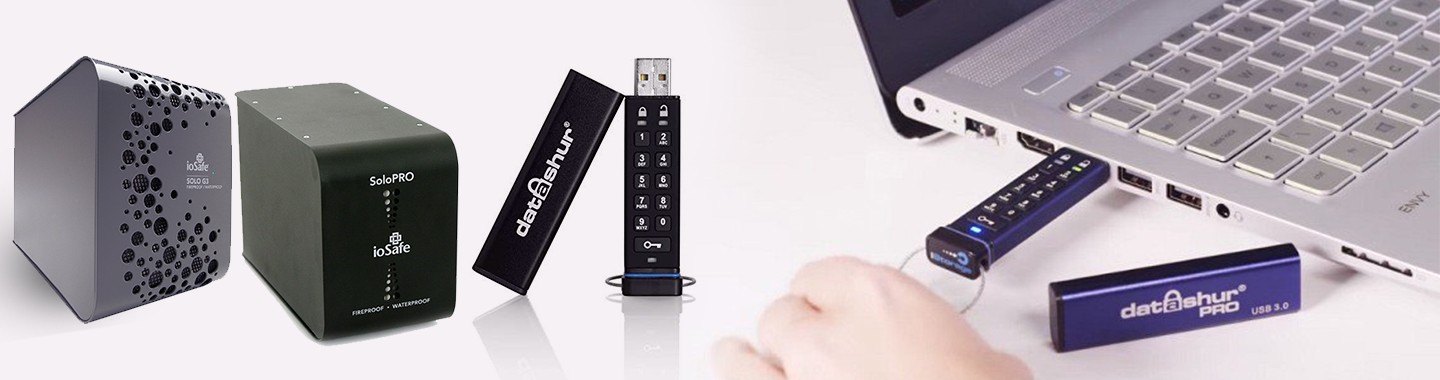
iStorage diskAshur
Subcategories
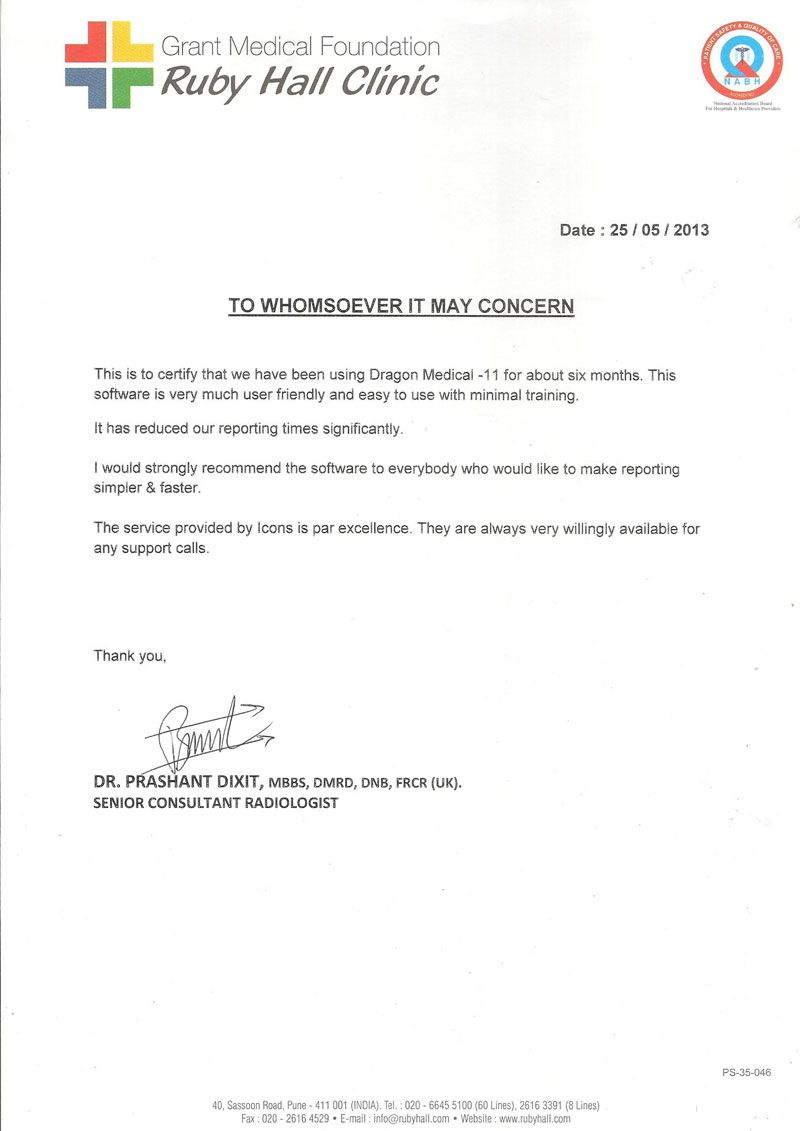
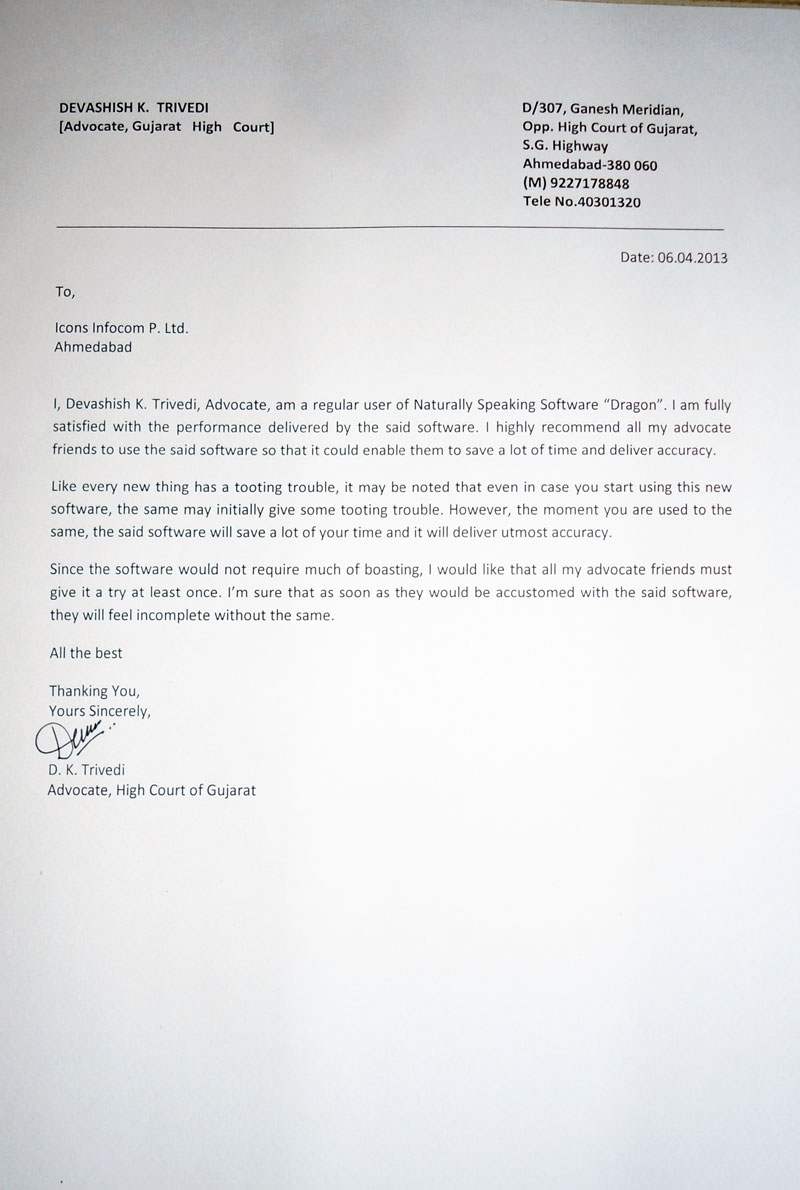
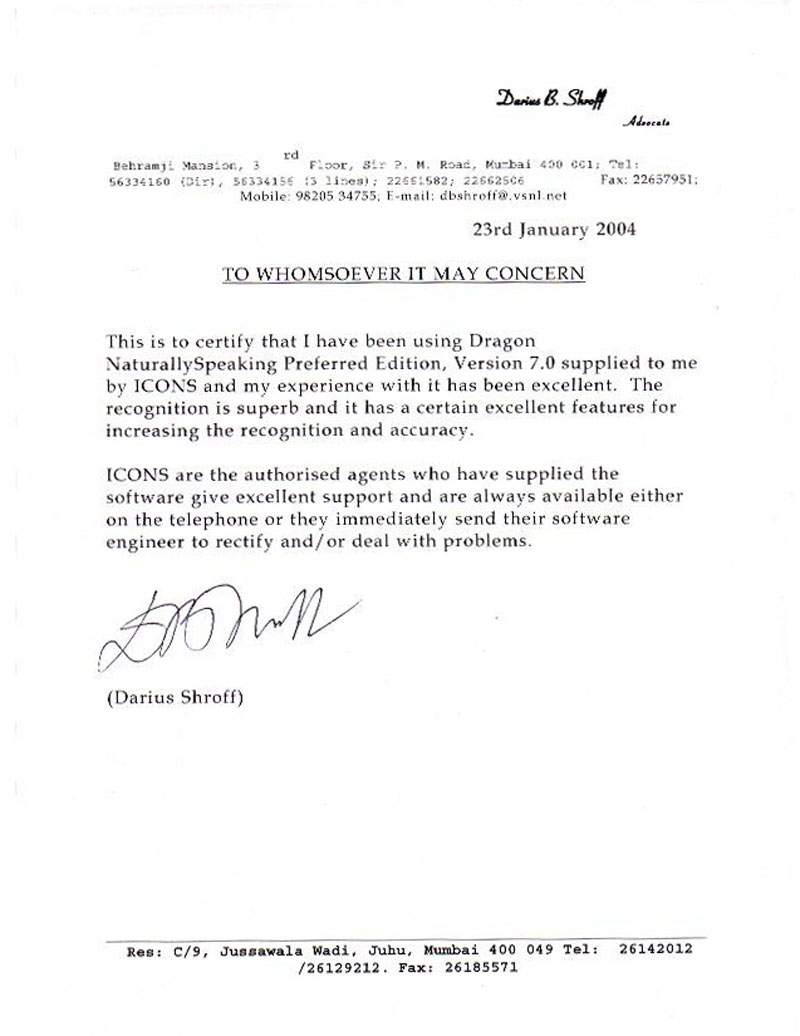
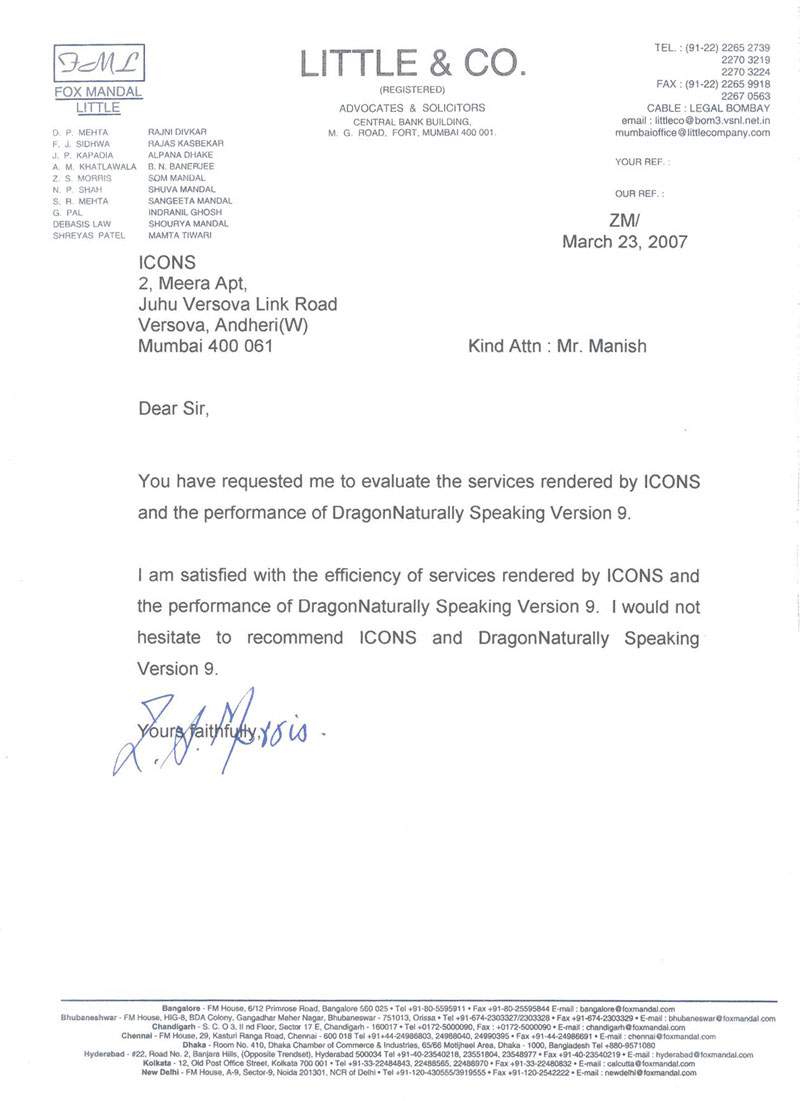
Our Existing Users












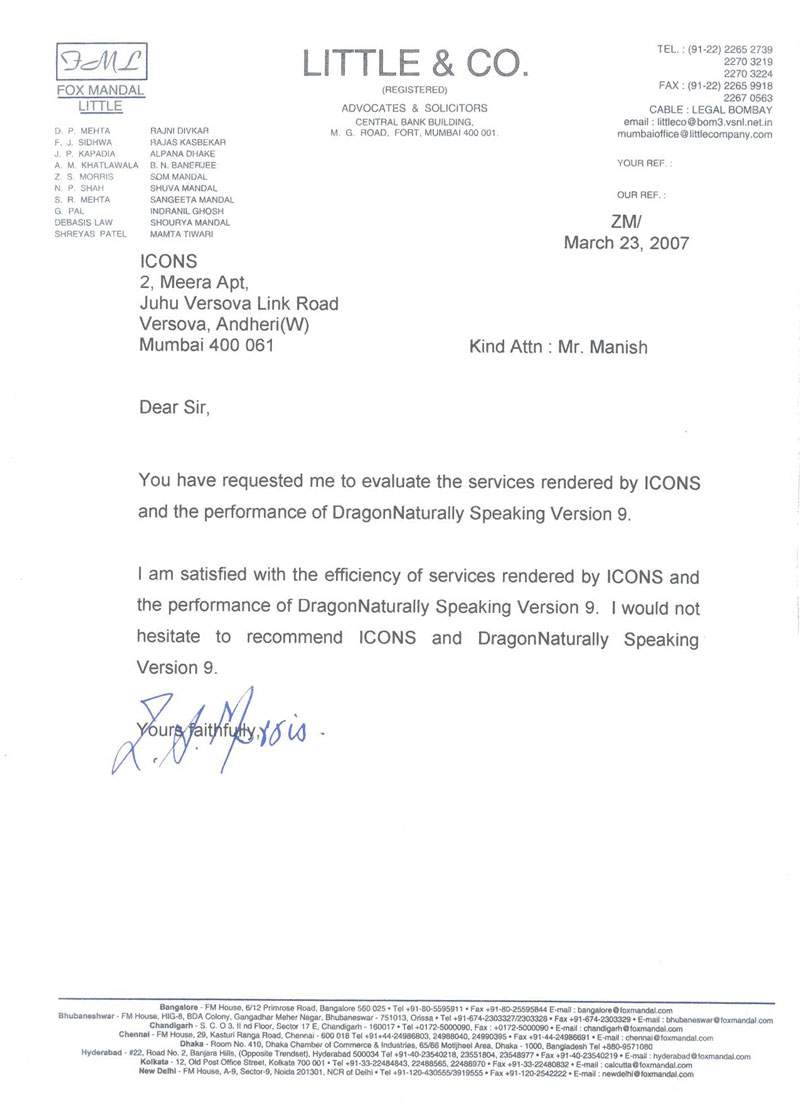
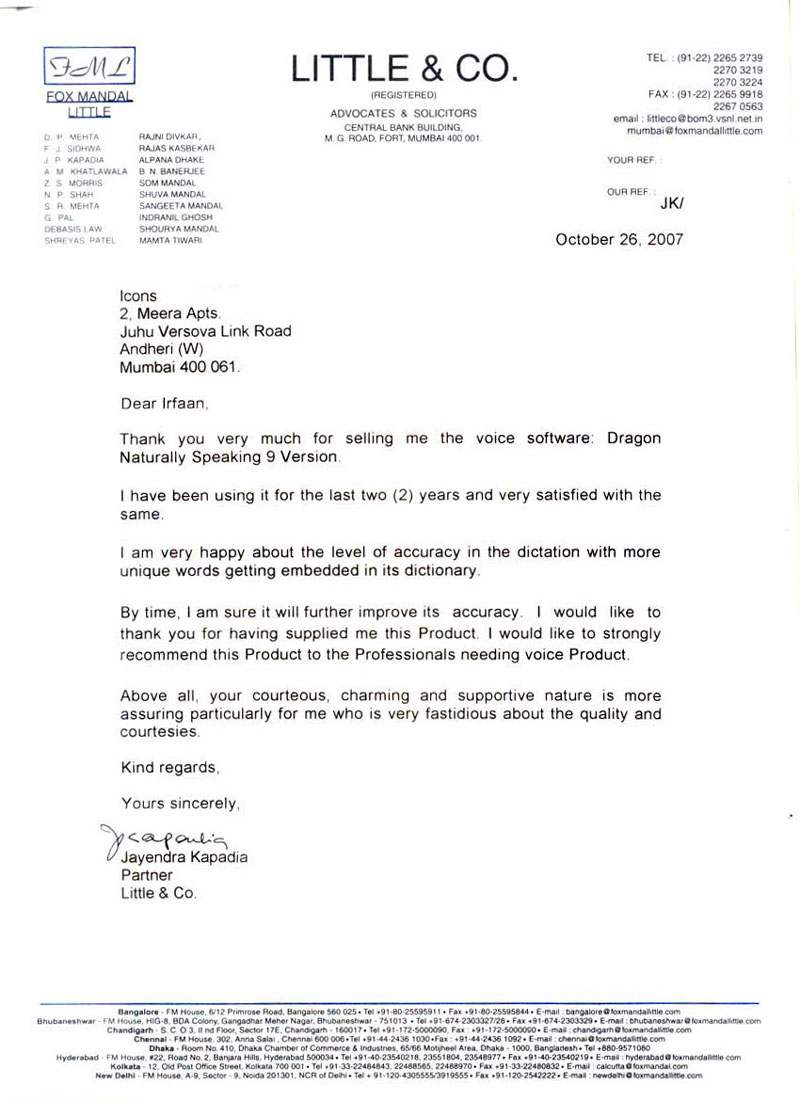
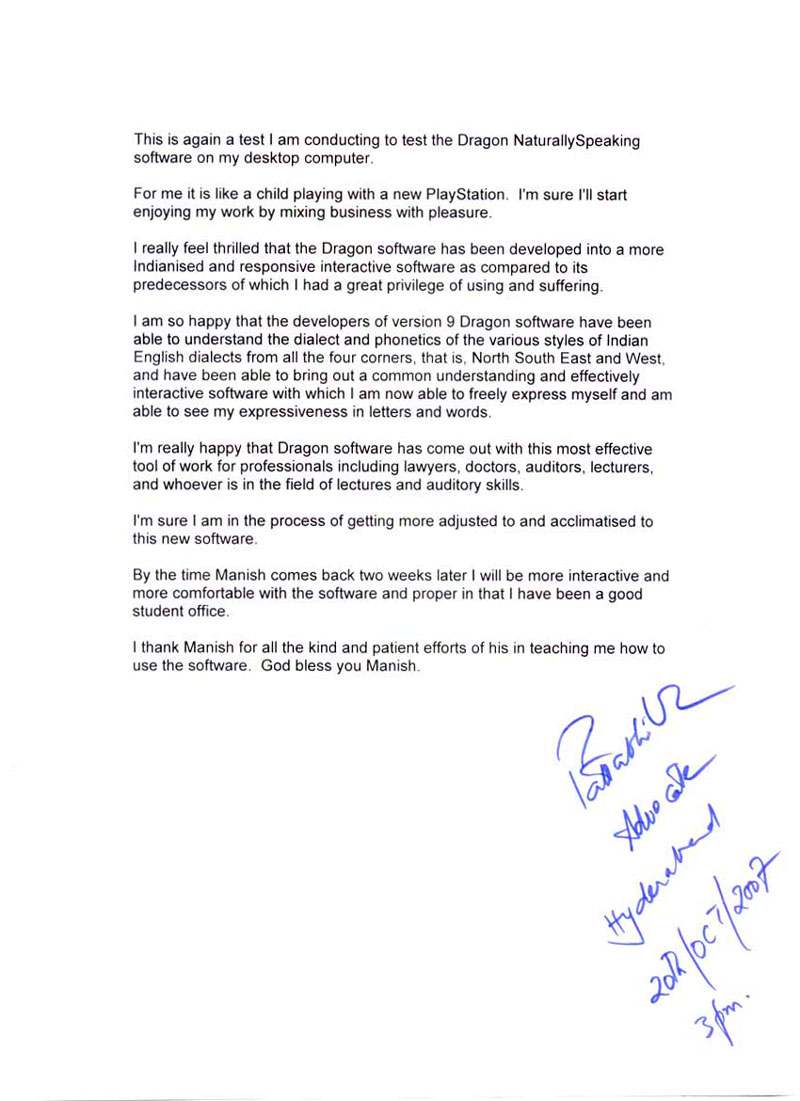
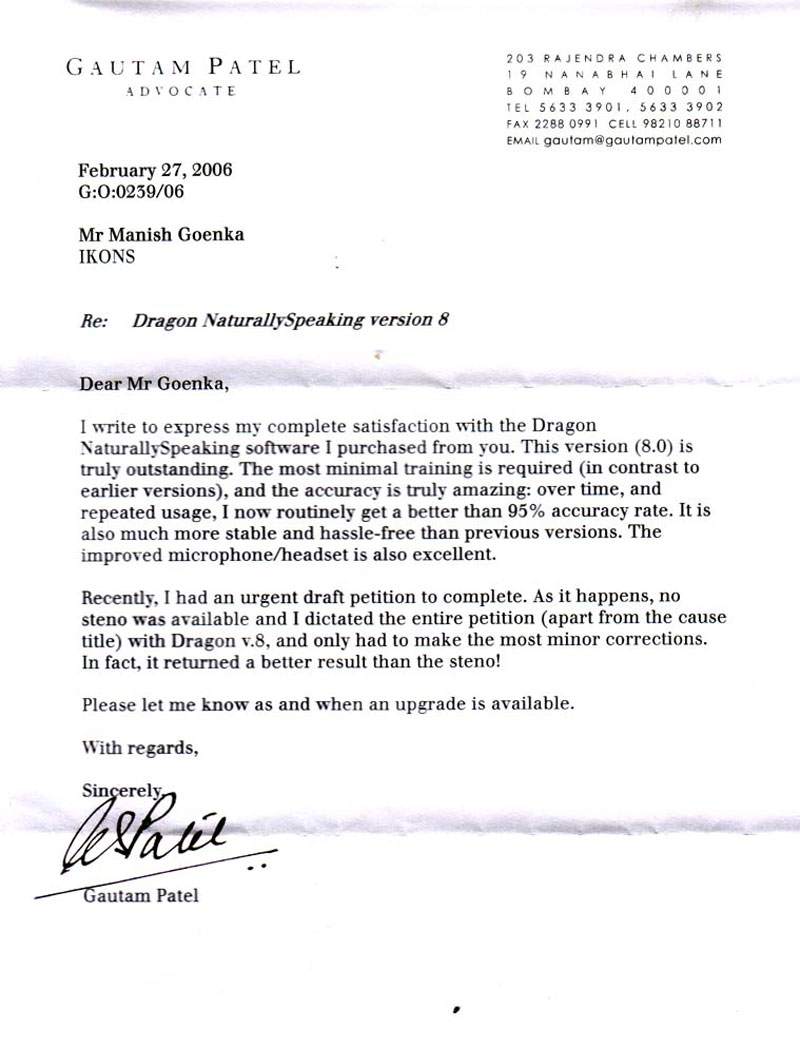
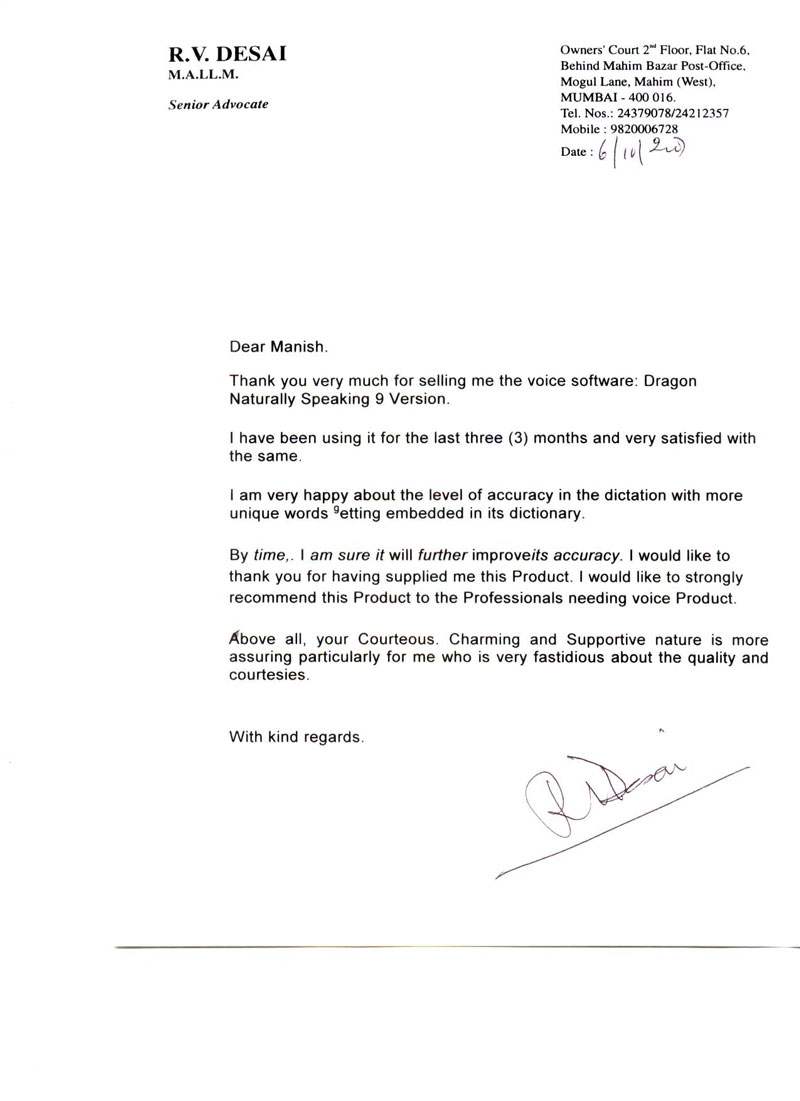
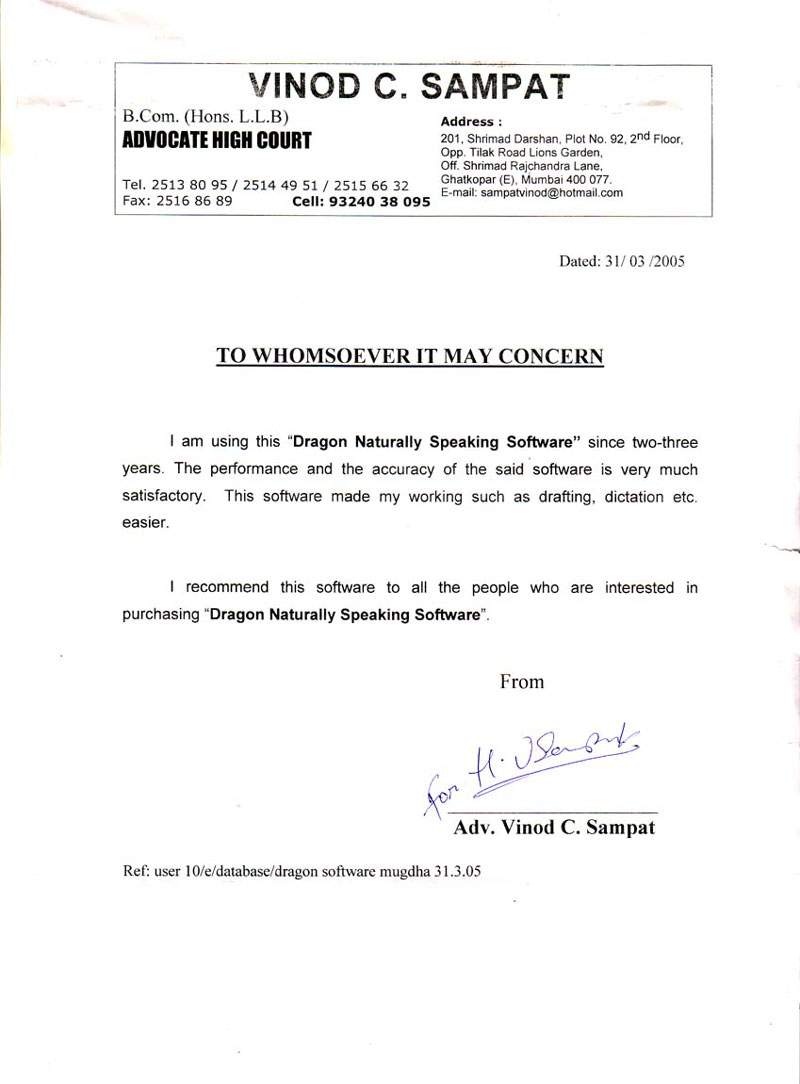
Testimonials
Technology Partner












Icons Infocom | Speech Recognition | Voice Recognition | Dragon Naturally Speaking | Dragon Medical | Dragon Legal | Dragon Professional Individual | Power PDF | Andrea Microphones | Wireless Microphones | Wired Microphones | Array Microphones | Istorage Devices | Speech Recognition India | Tungsten PDF | iManage | Liquidtext | Elmo Document Visualizer | Numeric UPS | Barco Montiors | RadiAnt | MedCalc